Talking to your AI manager: Voice input and spoken replies in Music Artist Manager
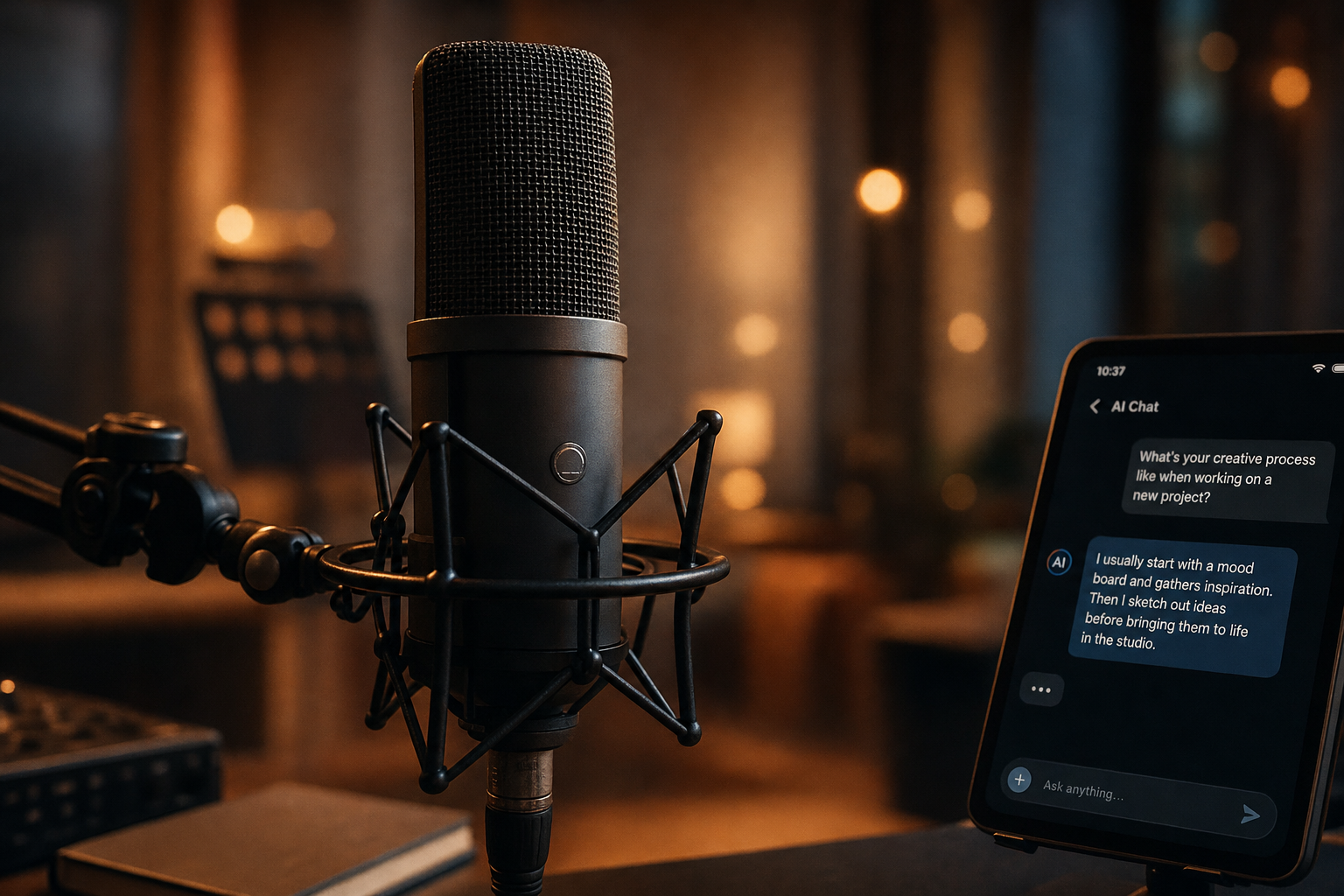
Manager chat now listens and speaks back. Ask questions by voice, hear replies out loud, same chat, no keyboard required.

Key Takeaways
Voice input means you can ask a question the second it arrives, not when you sit down.
The same Manager chat, the same ten personas, now available while you are mixing or walking to a meeting.
Audio output reads the reply back, so you can keep working instead of stopping to read a screen.
It is the same chat with a faster way in and out, not a separate assistant.
Manager chat in Music Artist Manager now supports voice input and output. You can speak your question instead of typing it, and hear the reply read back. It is the same chat, the same ten managers, the same live project context, now accessible when you are not sitting at a desk or just prefer to talk through a decision out loud.
Manager chat inside Music Artist Manager now supports voice. You can speak your question using the microphone, and the reply can be read back to you out loud. This is the same chat you already use, with the same ten manager personas, the same live project context, the same task and schedule extraction. The only difference is how you get information in and out.
This matters because you are not always at a desk. You are in a studio mid-session. You are on a train between London and Manchester. You are walking between a soundcheck and a venue meeting. You need to ask your Release Manager whether you should move the single forward a week, or you need your Sync Manager to run through which tracks in your catalogue still need metadata cleaned up for a pitch deadline tomorrow, and you do not want to stop, pull out a laptop, and type three paragraphs.
Voice input turns that into a conversation. You ask the question the way you would ask a human manager on a phone call, and you hear the answer back while you keep moving.
How voice input and output work
The microphone captures what you say and converts it to a text prompt. That prompt goes into the same Manager chat pipeline that handles typed questions. The reply that chat generates can be spoken back to you as audio, or you can read it on screen, or both.
Nothing about the underlying system changes. The Release Manager still pulls from your live release schedule. The Rights Manager still references your registered tracks and splits. The Financial Manager still works from your imported statements. Voice is an additional input and output mode, not a separate assistant or feature set.
Who this is for
Anyone who uses Manager chat regularly and wants a faster or hands-free way to use it. That includes:
- Artists and managers who are on the move and need quick tactical answers without opening a laptop.
- Anyone working in a studio who wants to think out loud while tracking or mixing, the way you would with a co-manager in the room.
- Managers who prefer talking through a decision rather than typing it, especially when the question is exploratory or the answer needs to be pressure-tested in real time.
- Anyone who finds typing slower or more disruptive than speaking, particularly on a phone.
If you already use Manager chat for release scheduling, rights admin, finance reconciliation or tour planning, voice makes that same workflow available when you are not sitting still.
What does not change
This is not a new product. It is the same Manager chat you already use. The same ten personas. The same project context. The same task extraction and scheduling logic.
Voice input does not add new capabilities. It does not make Manager chat faster at answering complex questions. It does not improve the accuracy of financial calculations or rights lookups. It makes the same chat accessible in a different physical context.
You still decide and act. Manager chat gives advice. You choose whether to move the release date, re-register the track, or chase the invoice. That does not change when you switch from typing to speaking.
Why voice matters for how managers actually work
Managers do not spend all day at a desk. You are in a venue green room. You are in a hire car between radio interviews. You are standing outside a label office waiting for a meeting to start. You need to know whether the PRS registration for the new single went through, or whether you should push the pre-save campaign by 48 hours, and you need that answer in the next two minutes.
Typing that question on a phone is slow. Pulling out a laptop is not realistic. Voice input means you ask the question the way you would ask a human manager, and you get the answer back while you are still standing there.
This is not about convenience. It is about keeping the operational rhythm of a release or tour moving when you are not at a desk. A manager on a rollout makes dozens of small tactical calls every day, and most of those calls happen in transit or between other commitments. Voice makes Manager chat available in those moments, not just when you have a keyboard in front of you.
What to expect when you start using voice
Voice input works inside Manager chat at `/planner/ai`. You will see a microphone icon. Tap it, speak your question, and the system converts your speech to a text prompt that goes into the same chat pipeline you already use.
The reply can be read back to you as audio, or you can read it on screen. If you are in a quiet place and want to hear the answer, use audio output. If you are in a noisy venue or a shared office, read the reply on screen the way you normally would.
You do not need to change how you phrase questions. Speak the same way you would type. If you would normally type "what is the most recent statement balance for track ID 4792", say exactly that. If you would type "should I move the release date forward by a week if the playlist pitch is delayed", say that. The system processes spoken input the same way it processes typed input.
Voice does not add new manager personas. You still choose which manager to speak to. If you want release advice, speak to the Release Manager. If you want rights admin advice, speak to the Rights Manager. The persona system does not change when you switch to voice.
When voice input makes the most sense
Voice is faster than typing when you are on the move, when your hands are occupied, or when you are thinking out loud and want to test an idea before committing to a decision.
It is slower than typing if you are at a desk with a keyboard, or if you are asking a question that involves precise numbers, track IDs, or statement line items. For those questions, typing is still the better option.
Voice makes the most sense when:
- You are in a studio and want to ask a question without breaking focus on the session.
- You are traveling and need a quick tactical answer before you arrive at the next meeting.
- You are walking through a venue or festival site and need to confirm a detail about the tour schedule or rider.
- You prefer talking through a decision out loud rather than typing it, especially when the decision is exploratory and you are not yet sure what the right answer is.
If you are sitting at a desk reconciling a PRS statement line by line, or if you are building a release schedule with specific dates and task dependencies, typing is still the better tool. Voice is for the moments when typing is not realistic, not for replacing typed input in every context.
What we are not claiming
This is not a separate assistant. It is the same Manager chat with an additional input and output mode.
We are not claiming specific language support, accuracy figures, or offline capability. Those details are not part of this release, and we will not publish claims about them until they are confirmed and live.
We are not claiming that voice makes Manager chat faster or more accurate. It makes the same chat accessible in a different physical context. The speed and accuracy of the reply depend on the same factors they always have: the quality of the question, the completeness of your project data, and the complexity of the task.
Voice input does not change what Manager chat can do. It changes where and when you can use it.
How to start using voice in manager chat today
Go to `/planner/ai` inside Music Artist Manager. Choose the manager persona you want to speak to. Tap the microphone icon, speak your question, and the system will convert your speech to a prompt and send it into the same chat pipeline you already use.
The reply can be read back to you as audio, or you can read it on screen. Choose whichever makes sense for where you are and what you are doing.
If you already use Manager chat regularly, voice is available now. If you have not used Manager chat yet, this is a good time to try it. The same personas, the same project context, the same task extraction. Now available when you are not sitting at a desk.
Related Reading:
- Bring your own AI model: Using my AI inside Music Artist Manager — Music Artist Manager
- The 'pre-mortem' release: How anticipating failure saves your indie campaign — Music Artist Manager
- The equity advocate: Why your music manager should prioritize human preservation over profit — Music Artist Manager
Ready to plan your next release?
Stop piecing together spreadsheets and scattered notes. Get your free release strategy and keep your whole rollout in one place.
Written By
Gavin Alexander
Senior Marketeer
As the founder of Music Artist Manager, Gavin has spent years at the intersection of music and technology. Seeing firsthand how chaotic release rollouts and split sheets can be, he designed a platform that brings major-label infrastructure to independent artists and their teams. He writes extensively about industry trends, artist leverage, and workflow optimisation.