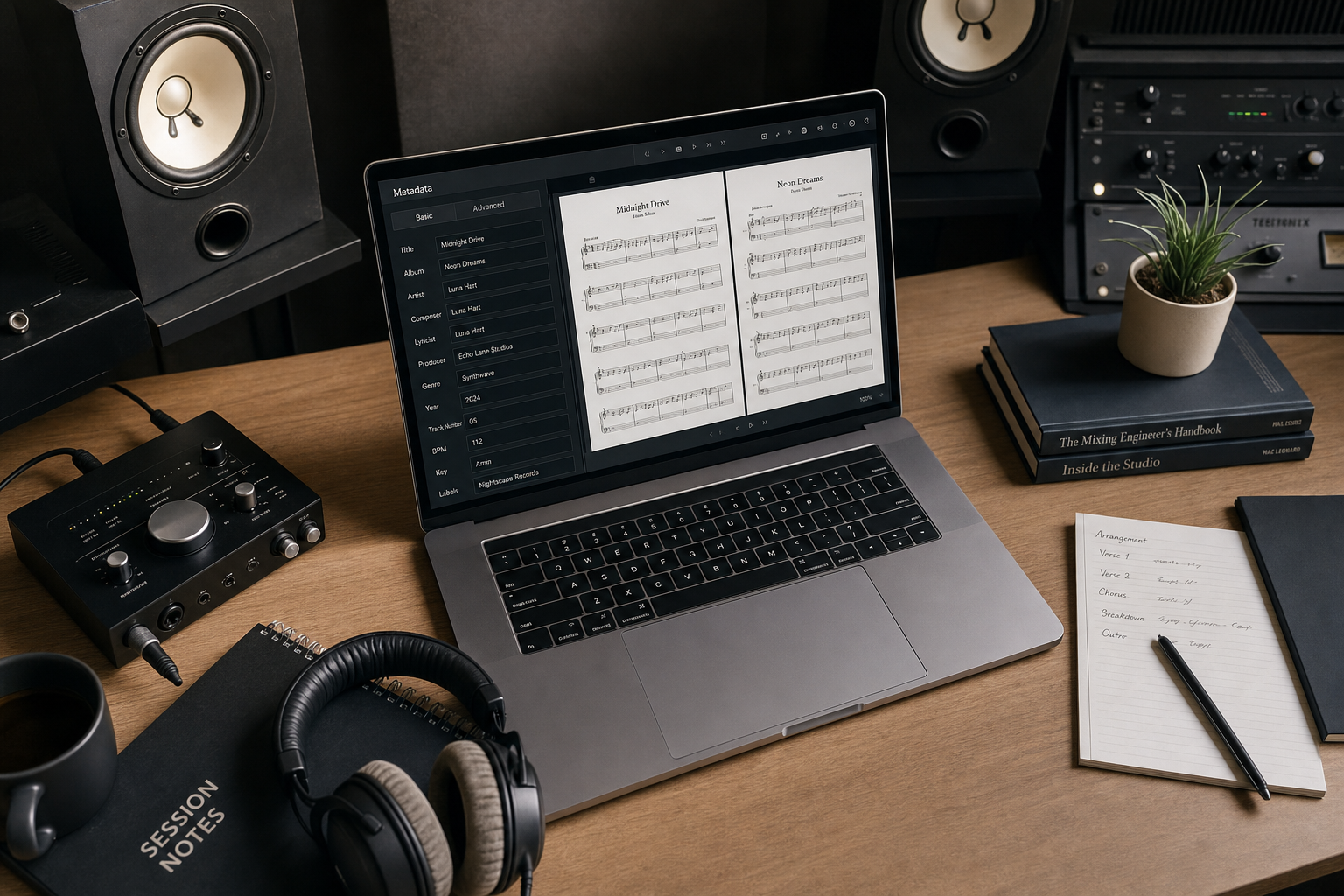
Where Music Artist Manager actually keeps your audio versions, lyrics
Learn how to store every demo version, lyric draft and collaborator note in one place without overwriting a single file.

Key Takeaways
Track Workspace lets you stack every version of a track, with notes and feedback attached to each revision.
Your lyrics sit with the audio they belong to, not in a separate app three folders away.
A 50MB file limit is checked before you upload, so you never wait for a failed submit.
Storage is enforced server-side: 100GB on manager and team plans, 10GB on professional tier, visible in every project header.
Most music tools store one file per track and call it done. Music Artist Manager gives every track its own workspace: stacked version history, persistent lyrics, production notes and a feedback thread tied to specific revisions. If you've ever overwritten a final mix or searched three folders for the right demo, this is the alternative.
You've recorded a verse. You've sent it to your producer. They've sent back a mix. You've tweaked the bridge, exported again, saved it somewhere, and now you have six files on your desktop called `track_final.mp3`, `track_final_2.mp3`, `track_ACTUALLY_final.mp3`, `track_new_vocals.mp3`, `bridge_edit.mp3`, and `master_USE_THIS_ONE.mp3`.
Which one did your manager actually hear? Which version has the feedback about the bridge? Where are the lyrics?
This is not a workflow problem. It's a versioning problem, and it costs you time every single session.
What version control actually means in a music context
Version control is the system that keeps every revision of a file in a named, numbered stack so you can tell them apart without reading the metadata or opening each one to listen. It's the difference between a folder of files all called "final" and a single track record that shows v1 through v6 in order, each with its own upload date, notes, and feedback thread.
Software developers have used version control since the 1980s. Musicians mostly haven't, because music software has treated version history as a local file management problem rather than a built-in feature of the tool where the track lives.
Why a shared drive is not enough
A Google Drive folder or a Dropbox link gives you cloud storage. It does not give you version history that makes sense in a production context.
Here's what happens in practice:
- Someone overwrites a file because they saved it with the same name as the previous version.
- A collaborator leaves feedback in a text message or voice note, disconnected from the specific file they're commenting on.
- Lyrics live in a separate notes app, so when you're listening back to a demo you have to leave the audio player to check a line.
- The file names grow increasingly desperate: `final final NO REALLY.mp3`.
None of this is negligence. It's what happens when the tool you're using wasn't designed around the way music production actually unfolds: in iterations, with feedback, over weeks or months, often with other people.
What a track workspace does differently
Music Artist Manager stores tracks inside projects. When you open a track from the Manage Tracks list, you land in that track's workspace: a single surface that holds audio uploads, version history, lyrics, production notes, and a feedback thread, all scoped to that one track.
Audio upload and version stacking
Every time you upload an MP3 to a track, it becomes a new numbered entry in that track's version stack. Upload a rough demo: that's v1. Upload a mix the following week: that's v2. Each version has its own notes field and status, so you can tell them apart without opening the file.
There's a 50MB cap per file, checked before you start the upload rather than after you've waited for a progress bar to fail. The upload itself goes through a signed-URL flow: the client requests an upload URL, uploads the file directly to storage, then confirms the record. This keeps the upload fast and the file secure.
If a track is still generically named "Track 1" and you upload an audio file, the track adopts the filename automatically. If you've already named the track manually, that name stays. This is a small mechanism, but it saves the step of copying a filename from your file browser into a text field every time you start work on a new track.
Lyrics that stay with the track
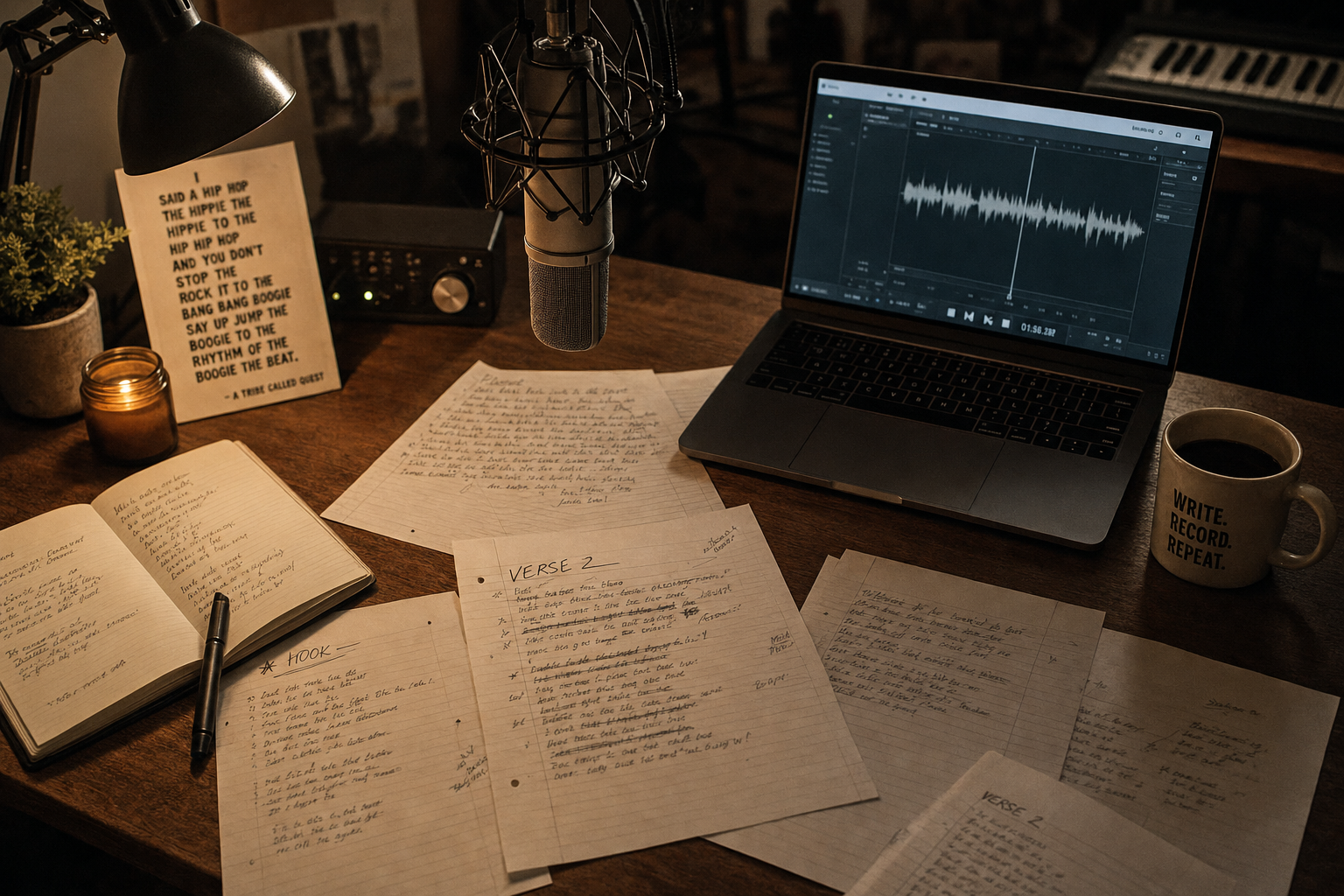
Lyrics are stored in the track's own record. That means when you're in the track workspace, you can see the lyric sheet and the audio at the same time, without switching apps or hunting through a notes folder.
This is not a lyrics editor with rhyme highlighting or syllable counting. It's a persistent text field that lives where the audio lives. If you write in Notion or Apple Notes and prefer to keep it that way, copy the finished lyric in when you're ready. If you write directly in the workspace, it's already there.
Production notes and feedback threads
There's a free-text production notes field. Lock it if you want to keep it static, or leave it open if the notes are still evolving.
Separately, there's a feedback thread. The difference matters: feedback is scoped to a specific version. If your producer leaves a note about the bridge on v3, that comment stays attached to v3 even after you've uploaded v4 and v5. You don't have to remember which file someone was listening to when they made the comment, because the comment is part of the version record.
Storage quotas that are enforced, not just advertised
Music Artist Manager enforces storage server-side. You get 100GB on manager and team plans, 10GB on founding, professional and comped plans, and no storage on the preview tier.
The quota is shown in the project header while you work, so you can see how much room you have before you hit the limit. A real 100GB is enough for roughly 1,600 high-quality MP3s at an average of 6MB per three-minute track, or about 400 tracks at 25MB each if you're uploading uncompressed WAVs and converting them locally before upload.
This number is worth knowing before you commit to a plan, but it's not currently listed on the pricing page. That will likely change. For now, it's enforced, it's real, and it's enough for most independent catalogues.
What this does not do yet
There is no cross-project library view. You reach a track workspace by opening that specific track inside that specific project. If you're working on three separate projects, you'll navigate to each one to see its tracks. A single-page view of every track across your entire catalogue is planned but does not exist yet.
There is no single lyric sheet library either. Lyrics live with their track, inside their project.
A "share this track" modal exists, but it currently relies on a sign-in-bound share link, the same limitation that applies to split sheet sharing. If you need an anonymous shareable link that plays in a browser without requiring the recipient to log in, that's not available today.
Who this is for
This workspace is for any artist or small team actively producing and revising tracks who currently stores files locally or in a shared folder, with no real version numbering, no per-version feedback, and lyrics kept somewhere else entirely.
If you've ever listened back to a file, heard something you wanted to change, made the change, saved it, and then realised two days later that you can't remember which version your collaborator actually listened to, this is the structure that prevents that.
How to set it up
Create a project. Add a track from Manage Tracks. Open the track. Upload an MP3. That's v1.
Add lyrics if you have them. Add production notes if you need them. Upload the next version when it's ready. That's v2.
If someone is giving you feedback, invite them to the project. They can comment on a specific version, and the comment stays attached to that version.
The workspace doesn't automate anything. It doesn't flag a revision as final, it doesn't chase feedback, and it doesn't export a version on its own. You upload, you name, you decide. The workspace holds the structure so you don't have to build it out of file names and memory.
Why this matters outside the studio
Version control is not just a production convenience. It has downstream implications for anyone else who needs to reference a specific version: a sync licensor asking which mix was cleared, a splits conversation about which version a co-writer contributed to, a release-day audit to confirm the mastered file matches the version your distributor received.
If your version history is a folder of ambiguously named files, every one of those questions takes longer to answer. If your version history is a numbered stack with notes and dates, you can answer immediately.
This is not about being organised for its own sake. It's about reducing the friction between finishing a track and being able to prove, to yourself or someone else, which version you're talking about.
The commission comparator
Most music storage tools charge per gigabyte or per seat. Music Artist Manager includes 100GB of enforced storage in a manager or team plan, which also covers split sheet registration, royalty tracking, release planning, and access to the full manager roster.
The question is not whether 100GB is cheaper than a standalone Dropbox account. The question is whether a tool that holds your version history, your splits, your lyrics and your release calendar in one project structure is worth more than the sum of separate subscriptions that don't talk to each other.
If you're currently paying for cloud storage, a splits tool, a Projects and a royalty tracker separately, add up those monthly charges. Compare that total to the cost of a single plan that consolidates all four and enforces the structure at the data model level, not just in your folder organisation.
That's the real comparison.
What to do next
If you're managing track revisions in a folder structure right now, open one project and move one track into the workspace. Upload two versions. Add the lyric. Leave a note on v2 about what changed.
If it makes the next revision easier to navigate, move the rest. If it doesn't, the folder method still works.
The workspace is a structure, not a mandate. It's there when version names stop making sense and you need something that holds the history without requiring you to remember which file is which.
Ready to plan your next release?
Stop piecing together spreadsheets and scattered notes. Get your free release strategy and keep your whole rollout in one place.
Written By
Gavin Alexander
Senior Marketeer
As the founder of Music Artist Manager, Gavin has spent years at the intersection of music and technology. Seeing firsthand how chaotic release rollouts and split sheets can be, he designed a platform that brings major-label infrastructure to independent artists and their teams. He writes extensively about industry trends, artist leverage, and workflow optimisation.