Feedback threads: Comment directly on a track version
Learn how to keep feedback attached to the exact version it's about, so you never lose track of what was said about which mix.

Key Takeaways
Feedback on v3 stays pinned to v3, even after v6 exists and replaces it.
Every audio version in Track Workspace carries its own comment thread, not one global feed.
This earns its keep the moment more than one person reviews a mix or edit.
The history of what was said about which take stays visible, in order, forever.
Feedback Threads pins every comment to the exact audio version it was written about. No more scrolling back through Slack trying to work out which take someone meant when they said 'needs more energy on the hook'. The comment lives on v3 forever, even after you've shipped v6.
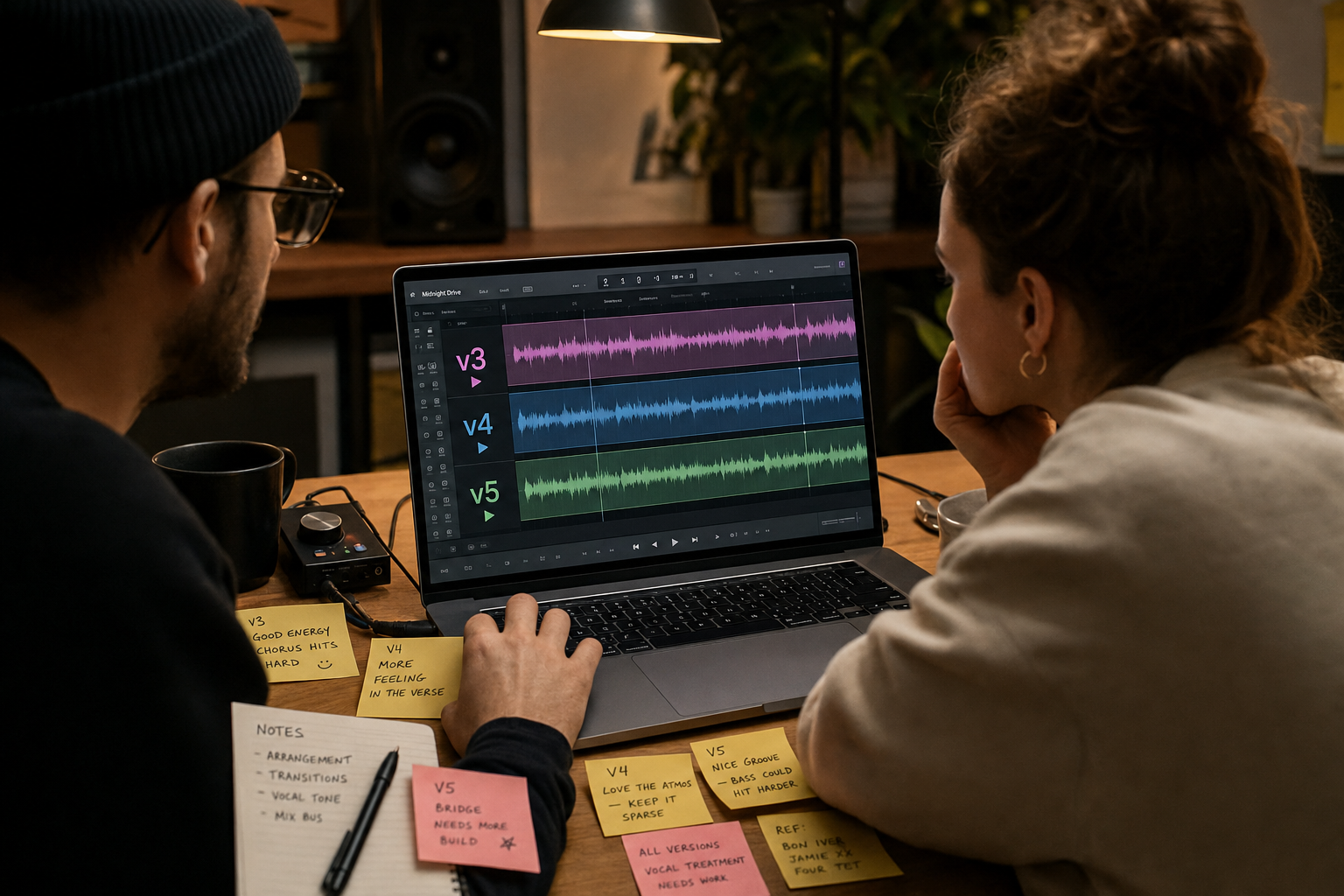
You send mix v3 to your producer. She says the hook needs more energy. You send v4 to your manager. He agrees. You send v5 to both. Your producer says it's worse. Your manager says it's better. You open the thread and realise nobody is talking about the same version anymore.
This is not a workflow problem. It is a version control problem. And it has killed more takes, wasted more studio time, and burned more goodwill between collaborators than any other single point of friction in the release process.
Track Workspace in Music Artist Manager already solves half of it. Every audio file you upload is stored as a named, dated revision. V1 through v6 sit in a stack, chronological and permanent. No folder called 'final'. No file called 'ACTUALLY-final-master-v2'. The versions are there, in order, with the right one always a click away.
Feedback Threads solves the other half. It attaches the comment to the exact version someone was listening to when they left it.
How feedback threads work
Each version in the stack carries its own thread. Play v3, leave a comment, and that comment is pinned to v3 forever. Even after you upload v4, v5 and v6, the feedback on v3 stays exactly where it was written. Open the track six months later and the history of what was said about which take is still there, in full, in order.
This is not a general chat. It is not an inbox. It is version-level commentary, scoped to the specific audio file someone was reacting to.
Inside Track Workspace, the structure already exists:
- Upload and playback for each version
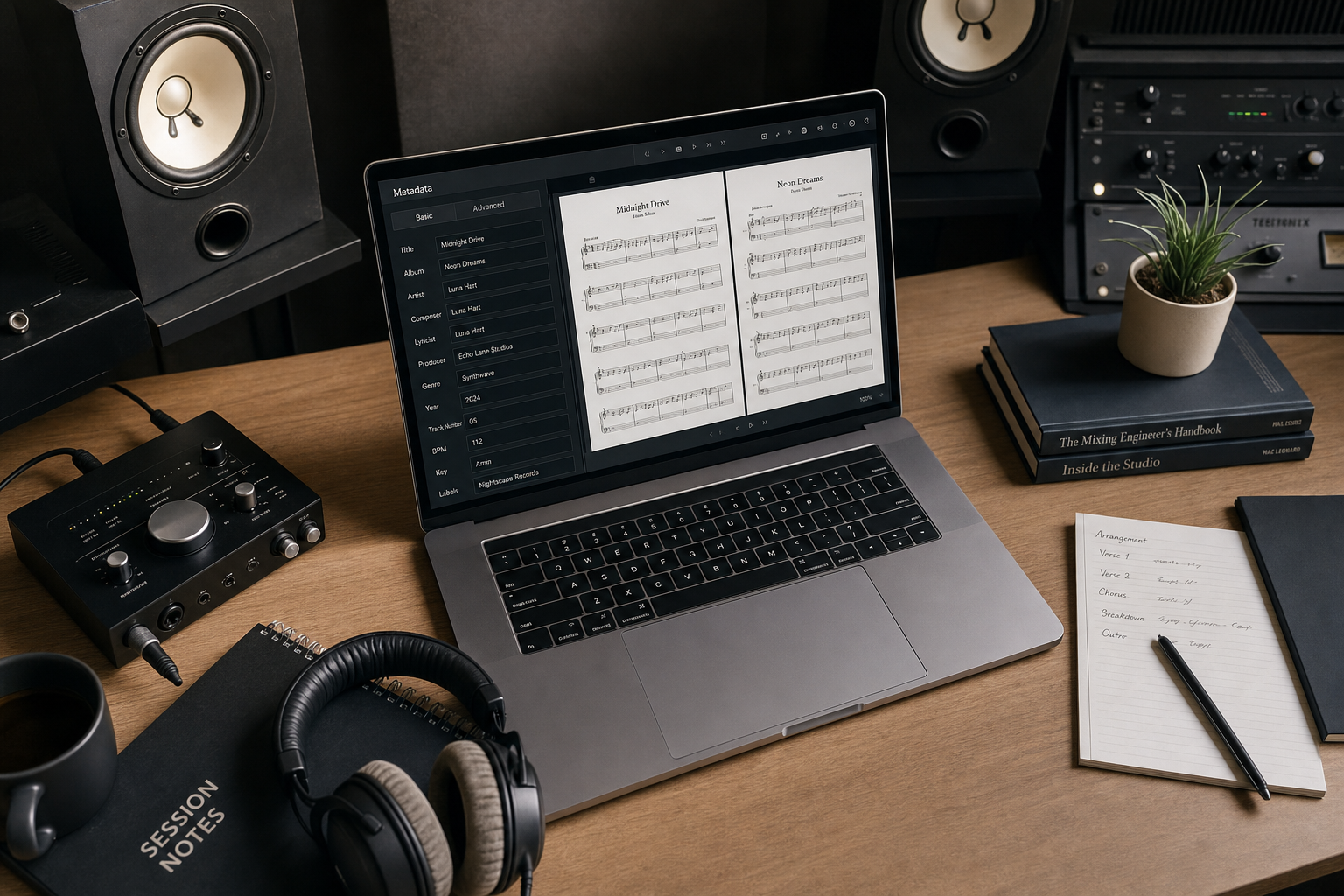
- Lyrics stored against the track document
- Production notes as free text, lockable per collaborator
- Status tags for each version (draft, mixed, mastered, final)
Feedback Threads sit alongside those tools. The comment lives at the same level as the version itself, not floating somewhere in a message thread or buried in an email from three weeks ago.
Who this is for
Artists and managers running actual back-and-forth on a release. Not solo bedroom producers with no input from anyone else. This earns its place the moment more than one person has an opinion on a mix, a verse, or an edit.
Bands with four members and four sets of notes on the same chorus. Producer-artist pairs iterating on a beat over ten versions. Manager-reviewed releases where the final sign-off depends on knowing exactly what changed between v4 and v5.
The more collaborators, the more versions, the more essential version-pinned feedback becomes. Because the alternative is reconstructing the conversation from memory, timestamps, and half-remembered Slack threads. And nobody has time for that.
What feedback threads is not
It is not a signature workflow. There is no approval chain, no tick-box process, no automated routing. The thread is commentary and discussion, nothing more. If you need formal sign-off, that happens outside the tool.
It is not a replacement for Music Artist Manager's separate messaging feature. That feature exists elsewhere in the platform, currently in beta, and handles broader team communication. Feedback Threads are scoped to one version of one track.
It is not a notification system that chases people. Someone leaves a comment, it appears in the thread attached to that version. The collaborator opens Track Workspace, sees the thread, reads it, responds if they choose. No push, no badge, no inbox anxiety.
Why version drift kills momentum
The cost of drift is not abstract. It is a wasted mix revision because the note was actually about the version before. It is a producer redoing work that was already right in v4 because the feedback loop broke somewhere between v4 and v6. It is a release delayed by a week because nobody can agree on which take was the final one, and the conversation history is spread across three platforms.
Feedback Threads does not make collaboration easier in some vague, motivational sense. It makes the mechanical problem of "which version were you listening to when you said that" go away. That is the entire job.
If you are working alone, you do not need this. If you are working with one other person who has perfect recall and infinite patience, you probably do not need this either. But if you are running a release with more than two people involved, and more than three versions in play, the version-pinned thread is not a nice-to-have. It is the only way to keep the conversation attached to the thing it was about.
Ready to plan your next release?
Stop piecing together spreadsheets and scattered notes. Get your free release strategy and keep your whole rollout in one place.
Written By
Gavin Alexander
Senior Marketeer
As the founder of Music Artist Manager, Gavin has spent years at the intersection of music and technology. Seeing firsthand how chaotic release rollouts and split sheets can be, he designed a platform that brings major-label infrastructure to independent artists and their teams. He writes extensively about industry trends, artist leverage, and workflow optimisation.