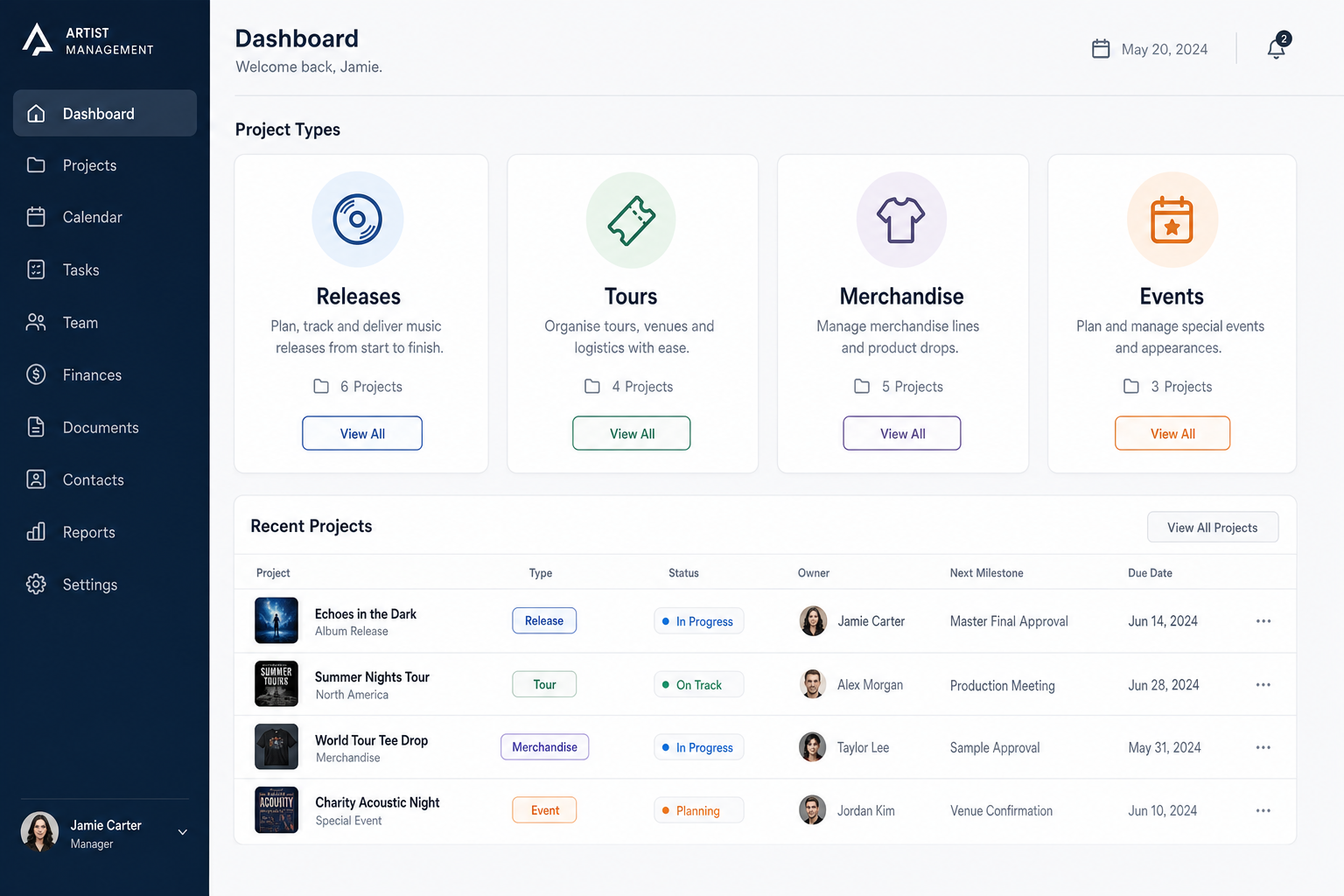
Release dates, deadlines and events in one view
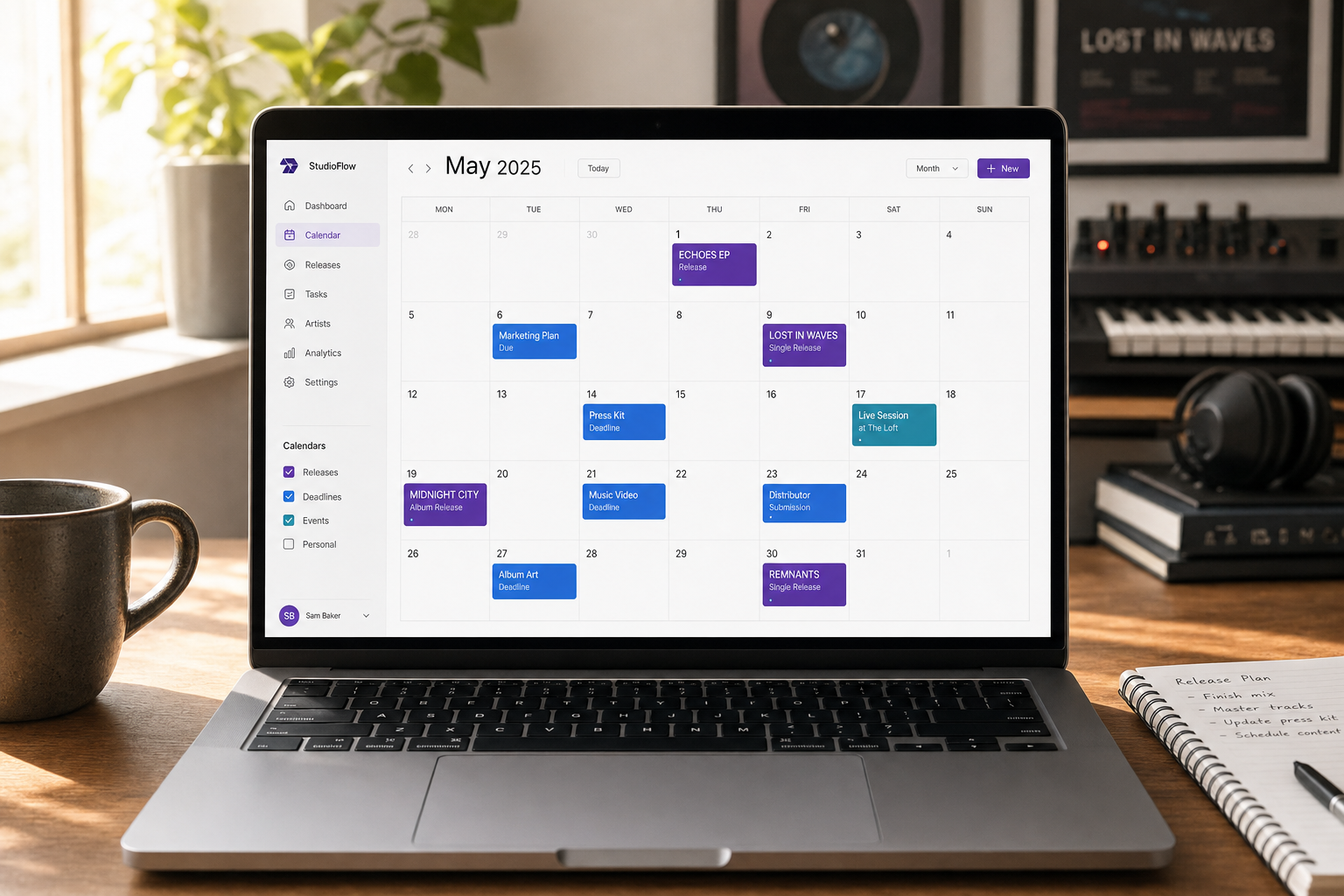
Release dates, deadlines and events in one place — month and week views that sync to Google Calendar, with Outlook and iCloud support being hardened.

Key Takeaways
Calendar brings release dates and deadlines into the same view as the rest of your plan.
Two-way sync to Google Calendar exists but is still being hardened, not guaranteed end to end.
Verify your own events are syncing correctly before you depend on it for a specific date.
Month and week views keep release timing visible without switching between disconnected apps.
Most independent artists track release dates in a general calendar app that sits completely separate from their planning tools. Music Artist Manager's Calendar brings release dates, deadlines and events into the same workspace as the rest of your campaign. Month and week views built for music rollouts, not dentist appointments.
A festival slot confirmed in a WhatsApp group. A playlist pitch deadline buried in an email. A sample clearance due date written on the back of a setlist. The release date itself sitting in your distributor's dashboard, two clicks deep.
This is how most independent artists track the operational calendar of a release campaign. Not because they lack discipline, but because the music industry generates deadlines across a dozen disconnected tools, and no single calendar was built to track the specific rhythm of a rollout.
Music Artist Manager's Calendar exists to solve that fragmentation. It consolidates release dates, campaign deadlines and live events in month and week views that sync directly with the rest of your planning, rather than forcing you to maintain a parallel calendar system that knows nothing about your actual catalogue or distribution windows.
This article walks through what a release calendar built for recorded music actually needs to do, where general-purpose calendar apps break down, and how Music Artist Manager handles the operational detail.
The real cost of tracking releases in a tool that doesn't understand them
Google Calendar is a good product. It is not a good Projects.
The problem is not layout or interface. The problem is that a standard calendar treats "single release, 24th May" and "dentist appointment, 24th May" as equivalent entries. It has no concept of a release window, no link to distribution status, no way to surface the fact that your playlist pitch is due three weeks before that date, and no connection to the advance-versus-payout timing your royalty manager needs to track.
Artists end up maintaining multiple systems. The release date goes in the distributor. The marketing deadlines go in a spreadsheet. The tour dates go in a booking tool or another calendar. The sync deadlines live in email threads. Nothing talks to anything else, and the week before release becomes a scramble to reconcile what was actually due when.
That is an operational failure, not a time-management failure. You cannot manage a release timeline effectively when the timeline itself is scattered across five browser tabs.
What a release calendar built for artists actually does
Music Artist Manager's Calendar is designed around the structure of a music release, not the structure of a diary.
Release date as the anchor
Your release date is not just another event. It is the fixed point that every other deadline works backward from. Playlist pitch windows, pre-save campaign start dates, press embargo dates, advance marketing content, all of these are defined by their distance from release day.
The Calendar surfaces that relationship. When you set a release date in Music Artist Manager, the system understands it as a catalogue event, and you can layer campaign deadlines and promotional windows around it without manually calculating lead times in a separate app.
Week view for campaign execution
Month view is useful for seeing the shape of a quarter. Week view is where you actually run a release.
The week before a single drops, you are juggling final approvals, confirming playlist pitches, scheduling social content, checking distribution status and making sure your split sheet is registered. Music Artist Manager's week view gives you that operational detail without requiring you to zoom into individual day blocks in a calendar that was designed for half-hour meeting slots.
Events and deadlines that connect to the rest of the platform
A release date in Music Artist Manager is not a floating calendar entry. It is linked to your catalogue, your splits, your distribution timeline and your royalty registration status. That means your Royalty Manager can see when advance payments should arrive relative to release. Your Marketing Manager can reference the same date when planning content windows. Your Release Manager can confirm distributor handoff is complete before the date goes live.
This is not automation. This is structural coherence. The calendar does not chase deadlines for you, but it does ensure that every manager in the system is working from the same operational timeline, rather than three conflicting versions of when things are actually due.
External calendar sync: What works now and what to verify
Music Artist Manager includes sync to external calendars. The plumbing is real. Google Calendar sync is live, with webhook endpoints and a scheduled sync job running in the background. Outlook and iCloud are also available as sync destinations on the integrations screen.
That said, this is a feature still being hardened, not a finished capability you should assume is bulletproof. If you are relying on external calendar sync for a specific release date or a time-sensitive deadline, verify that your events are syncing correctly before you depend on it completely. The infrastructure is built, but operational reliability for every edge case is still being proven in the field.
The honest position: sync works, and it is real two-way plumbing, but treat it as a convenience layer rather than your single source of truth until you have confirmed it handles your own setup reliably.
When to use Music Artist Manager's calendar versus a general tool
You do not need to migrate your entire life into Music Artist Manager's Calendar. You need it for the parts of your schedule that are operationally connected to your catalogue.
Use Music Artist Manager's Calendar for:
- Release dates and distribution windows
- Campaign deadlines tied to specific releases
- Playlist pitch windows and embargo dates
- Tour dates where ticket income and advance timing affect your budget
- Royalty payment dates and statement availability
- Split registration deadlines and sync licensing windows
Use your existing calendar for everything else. Studio time that is not tied to a specific release. Meetings with collaborators. Personal appointments. Anything that does not require operational linkage to your catalogue or your splits.
The goal is not to replace your calendar. The goal is to stop forcing release-specific deadlines into a tool that cannot connect them to the financial and distribution mechanics they actually depend on.
What this looks like in practice
An artist with a single releasing on 14th June and an EP following on 9th August can see both dates in month view, with the playlist pitch deadline for the single marked three weeks prior, the pre-save campaign start date two weeks before that, and the EP's marketing window beginning the week after the single drops.
When the artist switches to week view the week of 14th June, they see the single release itself, a touring announcement scheduled for the same day, and a reminder that their PRS statement covering the previous quarter should arrive within the next ten days, which their Royalty Manager has flagged because it will include the first reportable streams from their March release.
None of this required manual date arithmetic. The release dates were set once, the deadlines were added in relation to those dates, and the calendar structured the entire rollout around the operational reality of distribution timing and royalty cycles.
That is what a release calendar built for recorded music actually does. It respects the fact that a release date is not a diary entry. It is a fixed point in a financial and promotional structure, and everything else in the campaign is defined by its relationship to that date.
How to start using Music Artist Manager's calendar
If you are already using Music Artist Manager, the Calendar is at /planner/calendar. Add your next release date, layer in the campaign deadlines that work backward from it, and check whether your existing external calendar sync is picking up those entries correctly if you have enabled it.
If you are not yet using Music Artist Manager, the Calendar is part of the core platform, alongside split tracking, royalty statement import, release planning and the full suite of specialist managers. It is not a standalone tool. It is part of an operational system designed to connect the financial, promotional and catalogue layers of your career in a single place.
The pricing structure is based on a commission model tied to your actual income, not a flat software fee disconnected from whether your releases are generating revenue. That aligns the platform's cost with your financial reality, rather than charging you a fixed monthly rate regardless of whether you are earning.
If you are running releases across multiple distributors, tracking splits with multiple collaborators, or managing a catalogue that spans more than a handful of singles, Music Artist Manager's Calendar gives you the structural coherence a general-purpose calendar cannot provide.
It does not automate your release. It does not chase deadlines for you. It gives you a single operational view of the release timeline so you can make decisions with full visibility, rather than reconciling three conflicting spreadsheets the week before you go live.
That is the difference between a calendar and a Projects. One tracks dates. The other understands what those dates mean.
Ready to plan your next release?
Stop piecing together spreadsheets and scattered notes. Get your free release strategy and keep your whole rollout in one place.
Written By
Gavin Alexander
Senior Marketeer
As the founder of Music Artist Manager, Gavin has spent years at the intersection of music and technology. Seeing firsthand how chaotic release rollouts and split sheets can be, he designed a platform that brings major-label infrastructure to independent artists and their teams. He writes extensively about industry trends, artist leverage, and workflow optimisation.