Adding collaborators to a project in Music Artist Manager, with roles that actually mean something
Learn how to add collaborators to a project, assign roles, and manage team access based on your account tier.


Key Takeaways
Project collaborators are capped by your pricing tier, not your project count.
Each collaborator receives a defined role on the project, not blanket access to everything.
The project owner sends invitations; collaborators accept and work within their defined role.
Project collaborators differ from your broader network in Contacts: these are the people working this release.
A release is rarely a one-person job. Music Artist Manager Projects let you add collaborators with defined roles, so producers, co-writers, a second manager or a label contact can all see and act on the same project without shared ownership. The number of collaborators allowed is capped by your pricing tier.
A release doesn't happen in a vacuum. You have a producer who mixed the track. A co-writer who holds 30% of the publishing. A label contact who needs to see the rollout timeline. A tour partner who wants visibility on the release schedule because it affects their routing.
If those people can't see the project, you're running the same information loop on five different channels. Someone misses a split deadline. Someone else books over your release week. The producer doesn't know the final masters are live on stores until two weeks after the fact.
Music Artist Manager handles this through project collaborators. Inside any project—the core unit that holds tracks, financials, splits, DSP links and strategy—you can invite other people, assign them a defined role, and give them visibility on the parts of the project they need to act on.
This is not about handing everyone the same level of access and hoping they don't step on each other. It is about defining who does what on a specific project, so the project stays coherent as more people touch it.
Why project collaborators exist
Most management apps treat a project as a single-user object. One person owns it, one person sees it, everyone else gets updates through screenshots or email threads.
That falls apart the moment you have a real team. Even a small one. The co-writer needs to review their split before you register. The producer wants to confirm the final version went out. The label contact needs to track campaign milestones. The tour manager needs to see which cities you're hitting during release week.
Project collaborators let those people work inside the same project, with their role defined, rather than trying to coordinate through external tools that don't know what your project is.
How collaborator invitations work
Inside a project, the project owner can send collaborator invitations. Each invitation goes to one person, and once accepted, that person has a defined role on that project.
The number of collaborators a single project can hold is capped by your account tier. If you're on a lower tier, you may have space for a small team. If you're on a higher tier, you can bring in a larger group. The cap is tier-based, and it sits at the project level, not the account level, so each project tracks its own collaborator count.
This is different from the Contacts feature at `/planner/network`, which tracks your industry relationships more broadly. Project collaborators are specifically the people with a role on this project. Contacts are the wider network you might pull from when you need to invite someone new.
Who this is for
This is built for managers and artists who work with a real team, even an informal one, on a given release.
If you're a solo artist handling everything yourself, you don't need this yet. If you have a producer, a co-writer, a label contact, or a manager working alongside you on a release, and those people need to see or act on the same information, project collaborators keep everyone working from the same source.
It is not the same as the Managed Roster feature, which is designed for a manager holding multiple artist accounts. That feature is currently in development and not live. Project collaborators is about people working together on one project, not a manager's broader artist roster.
What to do before you send an invitation
Before you invite someone, confirm they need visibility on this specific project. Not every connection in your network needs to be a project collaborator.
The producer who mixed your single needs to be on that project. The session player who laid down one guitar part and invoiced you the same day probably doesn't.
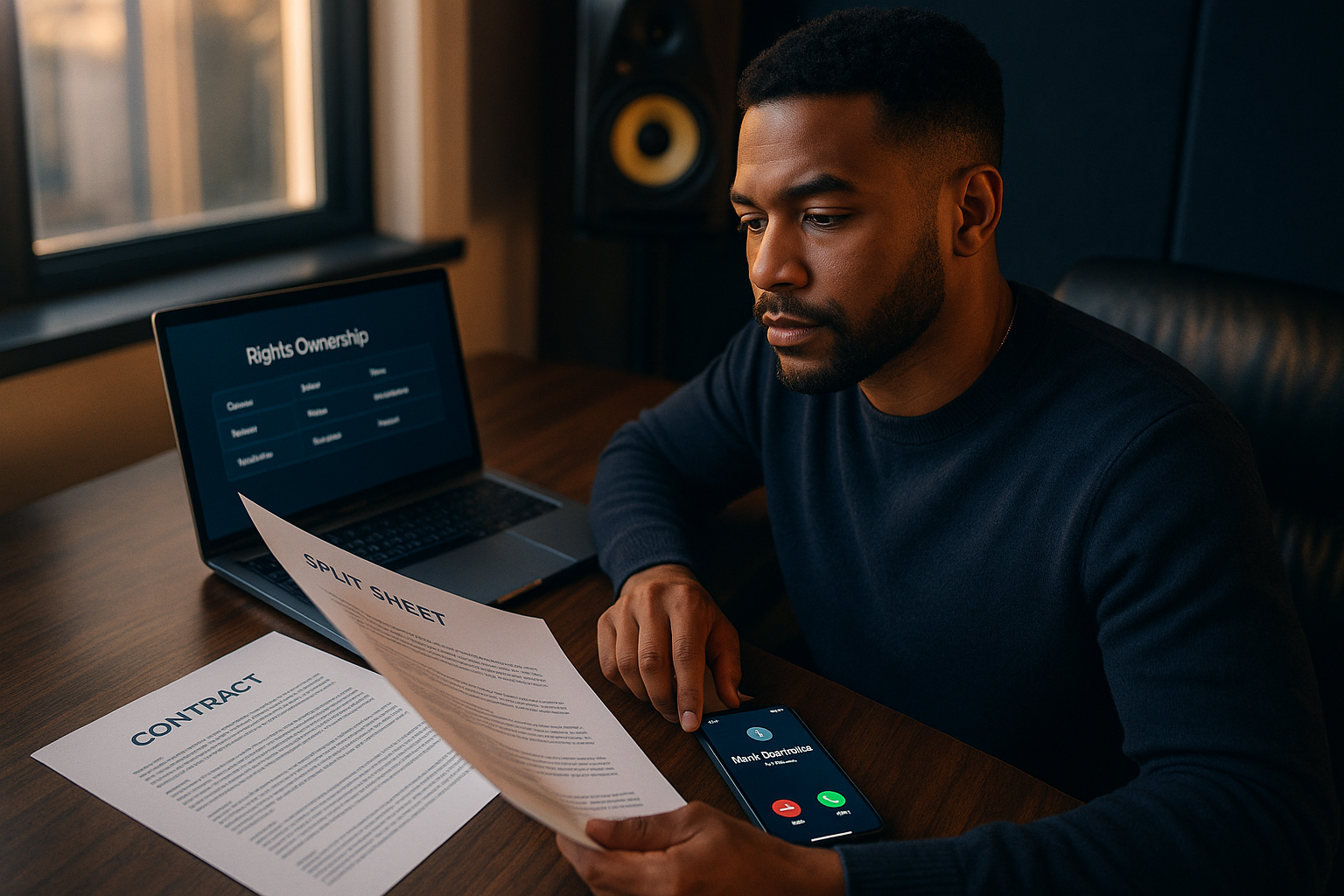
The co-writer holding 20% of the publishing needs to see the split sheet and the release timeline. The engineer who masters your catalogue but doesn't hold a point on this track doesn't need project-level access.
Collaborators are project-specific. If someone only needs visibility on one part of your work, add them to that project, not to everything.
What happens after the invitation is accepted
Once a collaborator accepts the invitation, they have a role on that project. What they can see and do depends on the role you assigned them, though the specific permission mechanics are not detailed here.
The project now reflects their involvement. If you're reviewing the team structure, they're listed. If you're preparing a split sheet or tracking who needs to sign off on a decision, their role is part of that record.
This keeps the project legible as more people get involved. You know who is on the team, what their role is, and who to loop in when a decision needs to be made.
When this matters most
Project collaborators matter most when the project has moving parts that multiple people need to act on.
You're releasing a single with a co-writer and a producer, and both hold splits. The co-writer needs to review the split sheet before you register with PRS. The producer needs to confirm the final master is correct before it goes to distribution. You need both of them to see the release date so no one schedules conflicting work that week.
You're running a tour that ties to a release campaign. The tour manager needs visibility on the release timeline so they can route around it. The label contact needs to see the tour dates so they can coordinate regional promo. You need everyone working from the same project timeline, not three different Google Docs.
You're a manager handling a release for an artist who also has a label deal. The label A&R needs visibility on the rollout schedule. The artist needs to approve key decisions. You need both of them in the project so approvals don't happen in one place and execution in another.
What this is not
This is not a way to share one project with everyone in your network at once. It is not a permissions workaround to give someone access to your entire account. It is not a replacement for Contacts, which tracks your broader industry relationships.
Project collaborators are project-specific. If someone needs to be on two projects, you invite them to both. If someone needs visibility across your entire catalogue, that is a different conversation about account-level access, and it is not what this feature does.
How to think about team structure on a project
Before you send the first invitation, map out who needs to be on the project and why.
Start with the people who hold a financial stake. Co-writers, producers, featured artists. They need visibility on splits, release timing, and payout registration. They are on the project because money moves through it, and they need to act on that information.
Next, the people who need to coordinate around the project. A label contact who needs to see the rollout schedule. A tour manager who needs to know when you're releasing so they don't book over it. A second manager who shares responsibility for execution. They are on the project because their work depends on seeing the same timeline you're working from.
Last, anyone who needs to approve key decisions before they happen. An artist who needs sign-off on the final mix. A label A&R who needs to approve the release date. They are on the project because a decision can't move forward without them, and you need them in the loop before it's too late to change course.
If someone doesn't fit one of those three categories, they probably don't need to be a project collaborator. They might be a contact. They might need a one-off update. But they don't need ongoing visibility on the project itself.
What to watch as you add collaborators
Your account tier caps the number of collaborators a single project can hold. If you hit that cap and need to add another person, you have two options. Remove someone who no longer needs visibility, or upgrade to a tier that supports a larger team.
The cap is there to match the tool to the size of team you're running. If you're regularly hitting the collaborator limit, you're either running a larger operation than your current tier supports, or you're inviting people who don't need project-level access.
Review your collaborator list periodically. If someone's role on the project has ended, remove them. This keeps the project legible and frees up a collaborator slot for the next person who needs it.
How this fits into the broader project structure
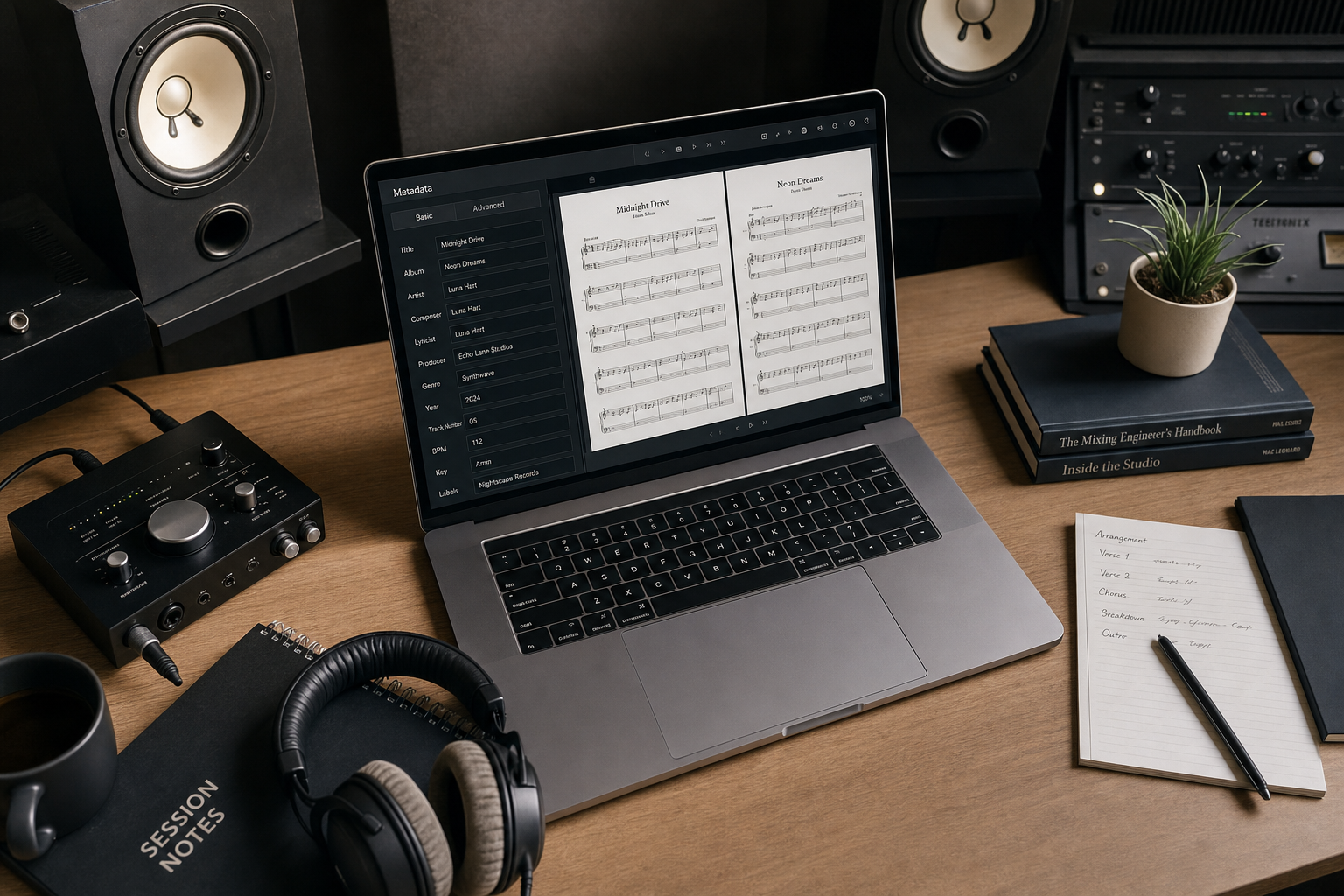
A project in Music Artist Manager holds everything tied to one release or campaign. Tracks, financials, splits, DSP links, strategy, and now, team. Project collaborators are part of that structure. They sit alongside the other information you're tracking, and they're visible in the same place you're managing the rest of the project.
This is not bolted on. It is part of how the project works. When you open a project, you see the tracks, the splits, the timeline, and the team. All in one place, all part of the same operational record.
If you're preparing for a release, you're not switching between tools to see who is on the team and what the rollout schedule is. You're looking at one project, and the collaborators are part of that view.
What to do now
If you're running a release with a team, go into the project and map out who needs to be a collaborator. Start with the people who hold splits or need to approve decisions, then add anyone whose work depends on seeing the same timeline you're working from.
Send the invitations. Once they're accepted, the team structure is part of the project record, and everyone is working from the same source.
If you're hitting the collaborator cap and still need to add people, review who is on the project now. Remove anyone whose role has ended, or consider whether your current tier matches the size of team you're running.
This is not a feature you use once and forget. As projects evolve, the team on each project will change. Add people when they need visibility. Remove them when their role ends. Keep the collaborator list as current as the rest of the project, and the project stays coherent as more people touch it.
Ready to plan your next release?
Stop piecing together spreadsheets and scattered notes. Get your free release strategy and keep your whole rollout in one place.
Written By
Gavin Alexander
Senior Marketeer
As the founder of Music Artist Manager, Gavin has spent years at the intersection of music and technology. Seeing firsthand how chaotic release rollouts and split sheets can be, he designed a platform that brings major-label infrastructure to independent artists and their teams. He writes extensively about industry trends, artist leverage, and workflow optimisation.