Live performance strategy: Planning your shows with music artist manager
A live show is a project. It has a budget, a timeline, a set of tasks, and a team. Running it through the same structured system as your studio releases means nothing falls through the cracks between booking confirmation and show day.

Key Takeaways
Centralise your live performance planning by creating a 'Live Project' on MAM to systematically track venue details, budgets, and team tasks.
Invite your backing band and crew to the 'Roster & Crew' panel to grant them real-time access to itineraries, preventing day-of-show miscommunication.
Optimise recurring gig workflows by creating 'Show Templates' and attaching standard technical riders to the 'Venue Documents' section as soon as bookings are confirmed.
Avoid rehearsal double-bookings and stay on track with promotion by syncing the MAM 'Live Calendar' with your external calendar.
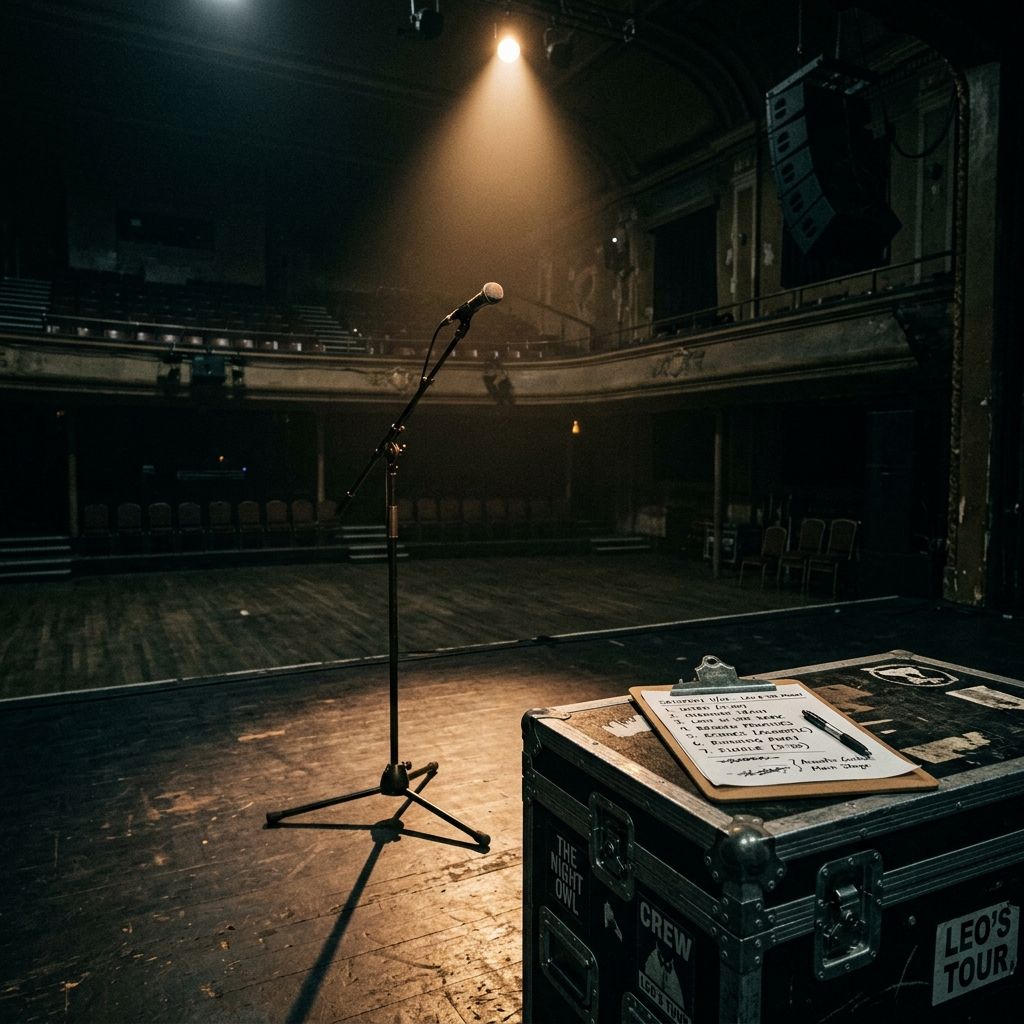
A live show is a complex project requiring careful coordination of budgets, timelines, tasks, and team members. Too often, independent artists treat live gigs as ad-hoc events, leading to missed promotion deadlines, lost deposits, or day-of-show chaos. By managing your performances within Music Artist Manager (MAM) alongside your studio releases, you can ensure every detail is tracked systematically from initial booking to the final encore.
Why this matters
Without a centralised planning system, critical tasks frequently fall through the cracks. Missing a technical rider submission deadline can result in poor sound quality on the night, while failing to track promotional milestones leads to poor ticket sales. Managing these elements in disparate notes apps or spreadsheets increases the risk of miscommunication with your band and crew, directly impacting your live reputation and profitability.
How to do it
1. Log in to your MAM account, navigate to the sidebar menu, and select the 'Live Shows' dashboard.
2. Click on 'Create Live Project' and input the venue details, date, ticket pricing, and capacity to generate your show profile.
3. Open the 'Budget Planner' tab to log guaranteed performance fees, anticipated merch revenue, and projected expenses such as travel and session player costs.
4. Access the 'Task Scheduler' to assign crucial pre-show actions—such as submitting the technical spec and sending promotional assets to the promoter—to specific team members.
5. Use the 'Roster & Crew' panel to invite your backing band, sound engineer, and tour manager to the project, granting them real-time access to the itinerary.
6. Toggle to the 'Timeline Visualiser' to review the countdown of promotional milestones, ensuring marketing assets are pushed on schedule.
7. Update the status of each milestone to 'Complete' as tasks are executed, giving your entire team a single source of truth up to the day of the gig.
Tips
• Avoid manual data entry for recurring gigs by creating a 'Show Template' in MAM to duplicate timelines and task lists instantly.
• Do not leave technical requirements to the last minute; attach your standard technical rider directly to the 'Venue Documents' section of the show profile as soon as the booking is confirmed.
• Sync your MAM 'Live Calendar' with your external Google or Apple calendar to prevent double-booking rehearsals or promotion windows.
Next steps
Head to the 'Live Shows' section of your MAM dashboard today to set up your next confirmed gig as a project, or create a standardised performance template to streamline your upcoming tour planning.
Ready to streamline your workflow?
Stop piecing together spreadsheets and scattered notes. Join the waitlist for Music Artist Manager and get your entire rollout in one place.
Written By
Gavin Alexander
Senior Marketeer
As the founder of Music Artist Manager, Gavin has spent years at the intersection of music and technology. Seeing firsthand how chaotic release rollouts and split sheets can be, he designed a platform that brings major-label infrastructure to independent artists and their teams. He writes extensively about industry trends, artist leverage, and workflow optimisation.