Invoicing built for UK independent artists
How Music Artist Manager handles UK VAT returns, multi-currency invoicing and Making Tax Digital without requiring separate accounting software.

Key Takeaways
Music Artist Manager calculates full UK VAT returns inside the planning tool, no separate accounting software required.
Making Tax Digital mode switches invoice labels between Tax and VAT automatically based on your reporting status.
Multi-currency invoicing per project means you bill each client in their currency without locking your account to one.
Merge tokens pull client names, project titles and totals directly into email templates so every send stays consistent.
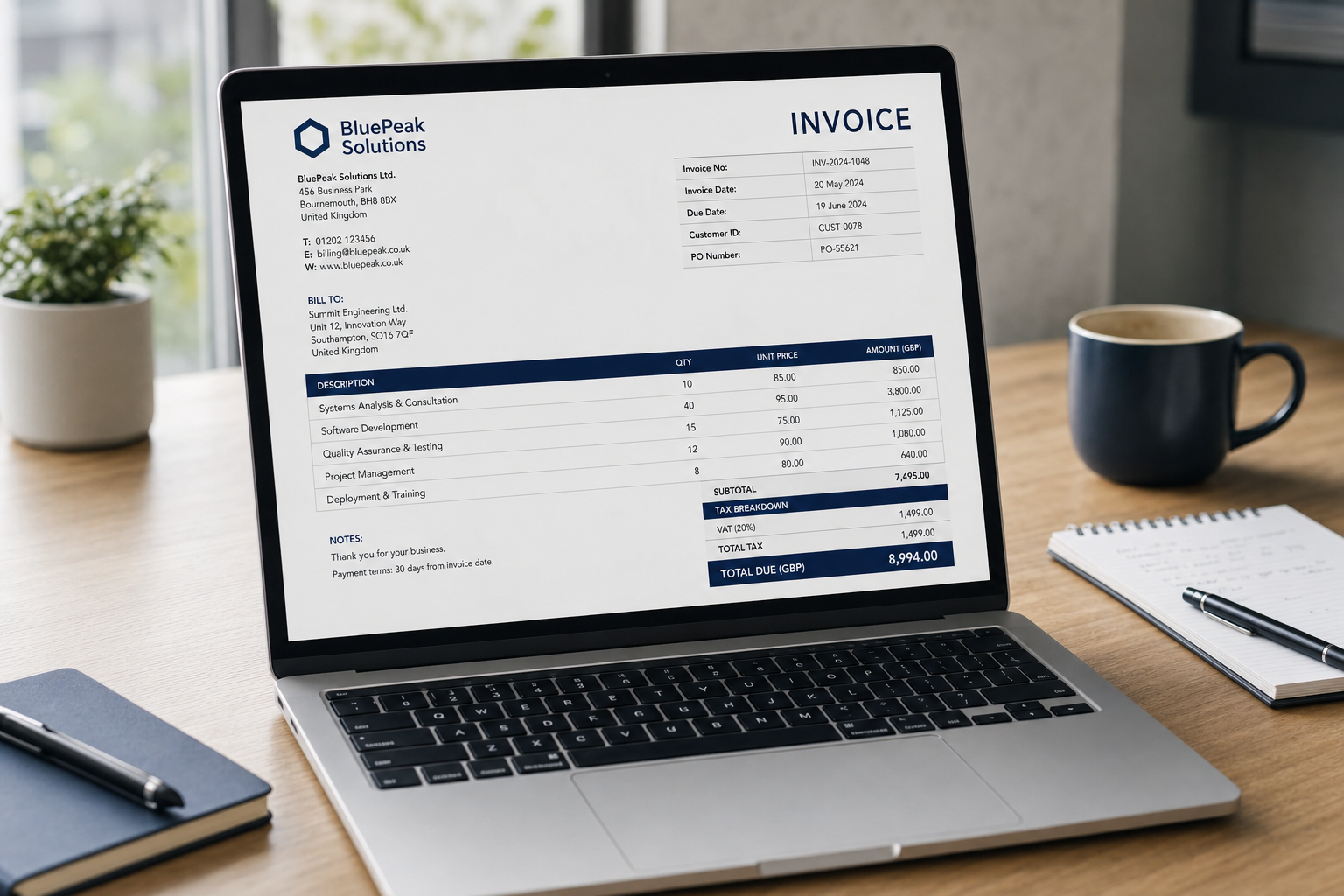
Most invoicing tools bolt on a VAT field and call it international support. Music Artist Manager's invoicing tool at /planner/invoices was built UK-first, which means VAT calculated per line and in total, a Making Tax Digital mode that switches the label from "Tax" to "VAT", and a full nine-box VAT return preview calculated inside the planning tool itself. No separate accounting software required.
Most invoicing software assumes you're billing one currency, working one tax system, and running a business that looks like every other business. That assumption collapses the first time you bill a promoter in euros, a sync client in pounds, and a session in dollars, all in the same month.
The tools that do handle multiple currencies tend to assume US tax law first and patch UK VAT on afterwards. That's fine if you're never going to file a VAT return. It stops being fine the moment you register for Making Tax Digital.
Music Artist Manager's invoicing tool at `/planner/invoices` starts from the other direction. It's built for UK tax rules first, with multi-currency support built in from the start rather than added later. That includes a full nine-box VAT return preview calculated directly inside the invoice planner, not in separate accounting software.
This matters if you're working across borders, registered for VAT, or approaching the registration threshold and want to see what filing actually looks like before you commit.
What the tool does
The invoicing interface uses a split-pane layout. Line items and invoice settings on the left, live preview on the right. The preview updates as you type.
You build the invoice by adding line items with descriptions, quantities, rates and tax. Payment terms, due dates and notes sit below the line items. The preview resizes, so you can expand it to check how the final layout reads before you send.
Export options include PDF download or direct email send. When you send, you can cc a manager or accountant on the email without adding them as a formal recipient.
Why UK vat handling is different here
VAT is calculated per line and as a total. The default rate pulls from your account's invoice settings at `/settings/invoicing`, where you set your VAT registration number, company registration number, legal entity name, and the tax rate you use most often.
The invoice itself changes its label depending on whether Making Tax Digital mode is switched on. MTD off: the invoice says "Tax". MTD on: it says "VAT". That's not cosmetic. It reflects whether the invoice is being prepared for submission under the UK's MTD rules or not.
The MTD VAT return preview calculates the full nine-box return used in UK VAT reporting. Box 1: VAT due on sales. Box 2: VAT due on acquisitions. Box 3: total VAT due. Box 4: VAT reclaimed. Box 5: net VAT to pay or reclaim. Box 6: total value of sales excluding VAT. Box 7: total value of purchases excluding VAT. Box 8: total value of supplies to EU member states excluding VAT. Box 9: total value of acquisitions from EU member states excluding VAT.
That view exists inside the same tool you use to build and send invoices. You're not exporting a CSV and importing it into Xero or QuickBooks to see what your return looks like. You're seeing it in the same place you're building the invoice that feeds it.
This is not a standard feature in artist-facing planning tools. Most assume you'll handle VAT elsewhere. Music Artist Manager assumes you need to see the VAT position before you file, not after.
Multi-currency without the workaround
Currency is set per invoice, defaulting to your account's display currency. If you're billing a European promoter in euros, a UK label in pounds, and a US publisher in dollars, you pick the currency when you create the invoice. You don't need to change your account settings or maintain separate invoice templates for each currency.
The alternative in most tools is to pick one currency and convert everything manually, or to generate invoices outside the tool entirely and lose the connection between the invoice and your income tracking.
Music Artist Manager connects the invoice to the rest of your financial records without forcing you into one currency for the whole account.
Invoice settings that make the document legally sound
At `/settings/invoicing`, you configure the information that turns a line-item list into a legally compliant invoice.
Sender name and reply-to address control who the invoice appears to come from and where replies land. Invoice number prefix and next invoice number in sequence keep your numbering consistent without manual tracking.
Legal entity name, company registration number, and VAT registration number populate the footer. These fields exist because a UK VAT invoice has legal requirements. If you're registered for VAT and you don't include your VAT number, the invoice isn't valid for reclaim purposes.
Default tax rate sets the percentage applied to new line items unless you override it. If you're below the VAT threshold and not registered, set it to zero. If you're registered at the standard rate, set it to 20 per cent. The rate applies automatically, but you can change it per line if you're billing zero-rated or exempt items.
Sending with merge tokens, not static text
The send function uses a template editor with merge tokens that pull data from the invoice and your account. `{{firstname}}` inserts the client's first name. `{{projectname}}` inserts the project or invoice description. `{{totalamount}}` inserts the invoice total. `{{sendername}}` inserts your name as the sender.
These tokens work in both the email body and the signature, so you can write one template and reuse it across invoices without manually editing client names or amounts each time.
The send endpoint at `/api/invoices/send` handles delivery. You write the email, preview it with the tokens applied, and send directly from the tool. No export, no separate email client, no copy-paste into Gmail.
Who this is built for
If you're invoicing one client a month in one currency with no VAT registration, a spreadsheet or a free invoice generator will work fine. Music Artist Manager's invoicing tool is built for the artist or manager who is:
- Billing multiple clients across multiple currencies in the same accounting period.
- Registered for VAT or approaching the registration threshold and needs to see what filing looks like.
- Working under Making Tax Digital rules and wants the invoice and the return in one place.
- Managing enough invoices that manual numbering, manual tax calculation, and manual email merges are adding friction every time you bill.
The tool doesn't do anything for you. It gives you the structure, the calculation, and the preview. You decide what to bill, when to send, and who to copy.
Why invoice structure matters as income grows
An invoice is a financial record and a legal document. It's also the first signal to a client about how seriously you run your business.
An invoice with inconsistent numbering, missing VAT details, or no payment terms signals inexperience. That doesn't stop payment, but it does shape how the client sees you when the next negotiation starts.
An invoice with correct VAT calculation, sequential numbering, and clear payment terms signals operational competence. That matters more as the fees get larger and the clients get more institutional.
Music Artist Manager's invoicing tool is designed to help you present that competence without requiring separate accounting software, manual calculation, or a finance-team background.
The VAT return preview and multi-currency support are not standard in artist tools because most artist tools assume you're not operating at that level yet. This one assumes you are.
You can explore the full invoicing setup at `/planner/invoices` and configure your sender details at `/settings/invoicing` inside Music Artist Manager.
Ready to plan your next release?
Stop piecing together spreadsheets and scattered notes. Get your free release strategy and keep your whole rollout in one place.
Written By
Gavin Alexander
Senior Marketeer
As the founder of Music Artist Manager, Gavin has spent years at the intersection of music and technology. Seeing firsthand how chaotic release rollouts and split sheets can be, he designed a platform that brings major-label infrastructure to independent artists and their teams. He writes extensively about industry trends, artist leverage, and workflow optimisation.