How to plan a music video shoot without it falling apart
Learn how to organise your music video shoot using structured pre-production planning, budget tracking, and collaborative task management.

Key Takeaways
Add pre-production tasks to a kanban board immediately, with due dates set two days before the shoot.
Track every budget line item separately, including deposits, to maintain an accurate financial picture throughout.
Assign tasks to collaborators directly so your director and crew always know what is expected of them.
After the shoot, continue in the same project for editing, grading, and delivery to keep everything in one place.
Most music video shoots that go wrong were doomed before anyone arrived on set. The gap between smooth production and chaotic production is almost never talent or budget; it is pre-production discipline. Getting your tasks, team, costs, and timeline into one place before shoot day is not overcomplication; it is standard professional practice.
Setting up your video project
If your music video is part of a broader release project, add your video tasks directly to that project. If it is a standalone production, create a new project and select a release type that matches the output.
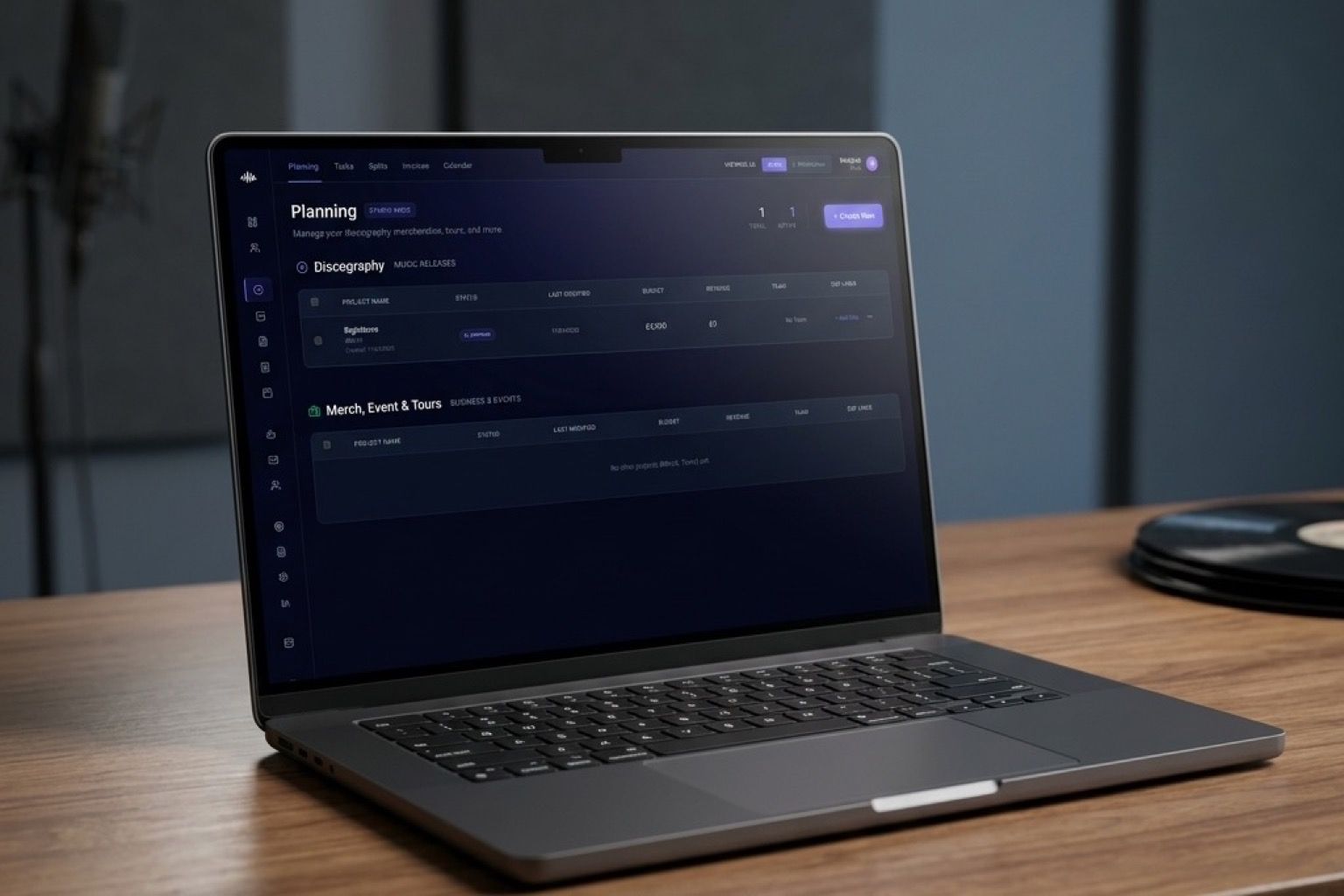
Either way, the structure is the same: a kanban board, a task list, a financial ledger, and a collaborator list. These four things are enough to run a professional video production without expensive project management software.
Pre-production tasks to add immediately
Map your pre-production phases as tasks in the Planning column:
Creative development — Treatment finalised, director confirmed, shot list complete. These should all be in Planning before anything else moves forward.
Logistics — Location scouted and confirmed, permits applied for (if required), equipment booked, call sheet template ready.
Cast and crew — Director of photography confirmed, on-screen talent confirmed, any additional crew roles filled. Each person should be in your project as a Collaborator or Viewer so they can see what is expected of them.
Assets — Wardrobe confirmed, props sourced, any graphic elements or overlays prepared.
Each task should have a due date set at least two days before the shoot to give you a buffer for anything that falls through.
Managing the budget
Production budgets have a way of expanding. The Financial Ledger in Music Artist Manager tracks every cost line by line: equipment hire, location fees, crew day rates, catering, post-production costs.
Add each confirmed cost as an expense line item with a date. Add any deposits paid separately from the final invoices. When a cost is disputed or changes, update it in the ledger — you will always have an accurate picture of where the budget stands.
Compare your actual costs against your initial budget in the macro summary. If you are over on equipment but under on location, you can see that at a glance and make decisions accordingly.
Keeping your team aligned
A video shoot involves more people than a recording session, and more of them are on call rather than in the room with you every day. The Collaborative Projects feature means your director, DP, and key crew members can check the project status, their own tasks, and the latest call sheet without you having to send individual messages.
Assign tasks to specific collaborators using the Assign To dropdown. When a task is completed, the person marks it done and the project board updates in real time. You do not need to chase people for status updates — the board shows you.
Use the Activity Log to track who confirmed what and when. If a location falls through at the last minute and you need to document why you moved to a backup, that conversation is in the log.
The week before the shoot
Check every task in your Planning and In Progress columns. Anything with a red calendar badge is overdue and needs to be resolved before shoot day. Run through your call sheet with your core team. Confirm every booking with a direct message or email — do not assume a booking from three weeks ago is still confirmed without checking.
The goal is to arrive on shoot day with zero open questions and zero surprises. That is achievable. It just requires the work to happen before you arrive.
Post-production
After the shoot, your project moves into post. Create tasks for editing, colour grading, sound sync, and final export. Add your editor or post-production person as a Collaborator with access to the relevant notes and assets. Set a delivery date and track progress through the same kanban board.
The same project, the same structure, from the first creative conversation to the final upload. That is how professional productions run — and it is available to independent artists from day one on Music Artist Manager.
Ready to streamline your workflow?
Stop piecing together spreadsheets and scattered notes. Join the waitlist for Music Artist Manager and get your entire rollout in one place.
Written By
Gavin Alexander
Senior Marketeer
As the founder of Music Artist Manager, Gavin has spent years at the intersection of music and technology. Seeing firsthand how chaotic release rollouts and split sheets can be, he designed a platform that brings major-label infrastructure to independent artists and their teams. He writes extensively about industry trends, artist leverage, and workflow optimisation.