Using the content strategist to plan your release rollout
A release plan that lives in your head is not a plan — it is an intention. Getting it out of your head and into a structured timeline, with specific tasks on specific dates, is what separates a rollout that actually happens from one that gets improvised in the week before launch.


Key Takeaways
Avoid rushed marketing by using the Content Strategist tool to transform your target release date into a structured, step-by-step rollout plan.
Front-load your creative assets at least three weeks prior to launch to prevent over-scheduling tasks during the final critical week before release.
Organise your workflow by using task categorisation tags to filter deliverables and utilising the drag-and-drop Timeline View to adjust to schedule changes.
Sync your finalised deadlines to the main MAM calendar and link your uploaded promotional graphics directly to tasks from the Asset Vault.
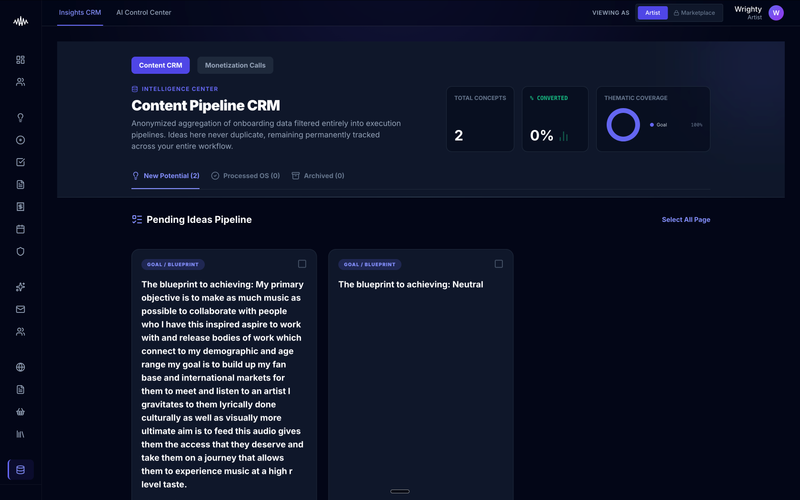
A release plan that lives solely in your head is an intention, not an actionable strategy. For independent artists, failing to map out a clear timeline often leads to rushed, improvised marketing in the days leading up to launch. MAM's Content Strategist tool solves this by turning your creative vision into a structured, step-by-step rollout plan.
Why this matters
Without a centralised timeline, critical tasks like pitching to editorial playlists, coordinating creative assets, and building audience momentum are easily missed. This uncoordinated approach leads to wasted promotional opportunities, high stress, and ultimately, lower stream numbers on release day.
How to do it
1. Navigate to the MAM dashboard and select the Content Strategist tool from the left-hand navigation menu.
2. Click the 'Create New Plan' button and choose the 'Release Rollout' template.
3. Enter your target release date and campaign name to automatically generate a recommended timeline.
4. Review the pre-populated milestone phases, such as pre-save promotion, launch day activities, and post-release follow-up.
5. Assign specific tasks to each milestone date, or customise the automated task suggestions to fit your campaign's needs.
6. Use the Timeline View to drag and drop tasks, adjusting deadlines as your asset production schedule shifts.
7. Click 'Save and Sync' to link these deadlines directly to your main MAM calendar.
Tips
• Avoid over-scheduling tasks in the final week before release; front-load your creative assets at least three weeks early to ensure a stress-free launch.
• Use the task categorisation tags to filter your view, helping you focus on one promotional channel's deliverables at a time.
• Regularly update the progress status of each milestone to keep any collaborators or band members aligned without needing constant messaging.
Next steps
Once you have finalised your timeline, navigate to the Asset Vault to upload and link your promotional graphics and audio files directly to their respective tasks.
Ready to streamline your workflow?
Stop piecing together spreadsheets and scattered notes. Join the waitlist for Music Artist Manager and get your entire rollout in one place.
Written By
Gavin Alexander
Senior Marketeer
As the founder of Music Artist Manager, Gavin has spent years at the intersection of music and technology. Seeing firsthand how chaotic release rollouts and split sheets can be, he designed a platform that brings major-label infrastructure to independent artists and their teams. He writes extensively about industry trends, artist leverage, and workflow optimisation.