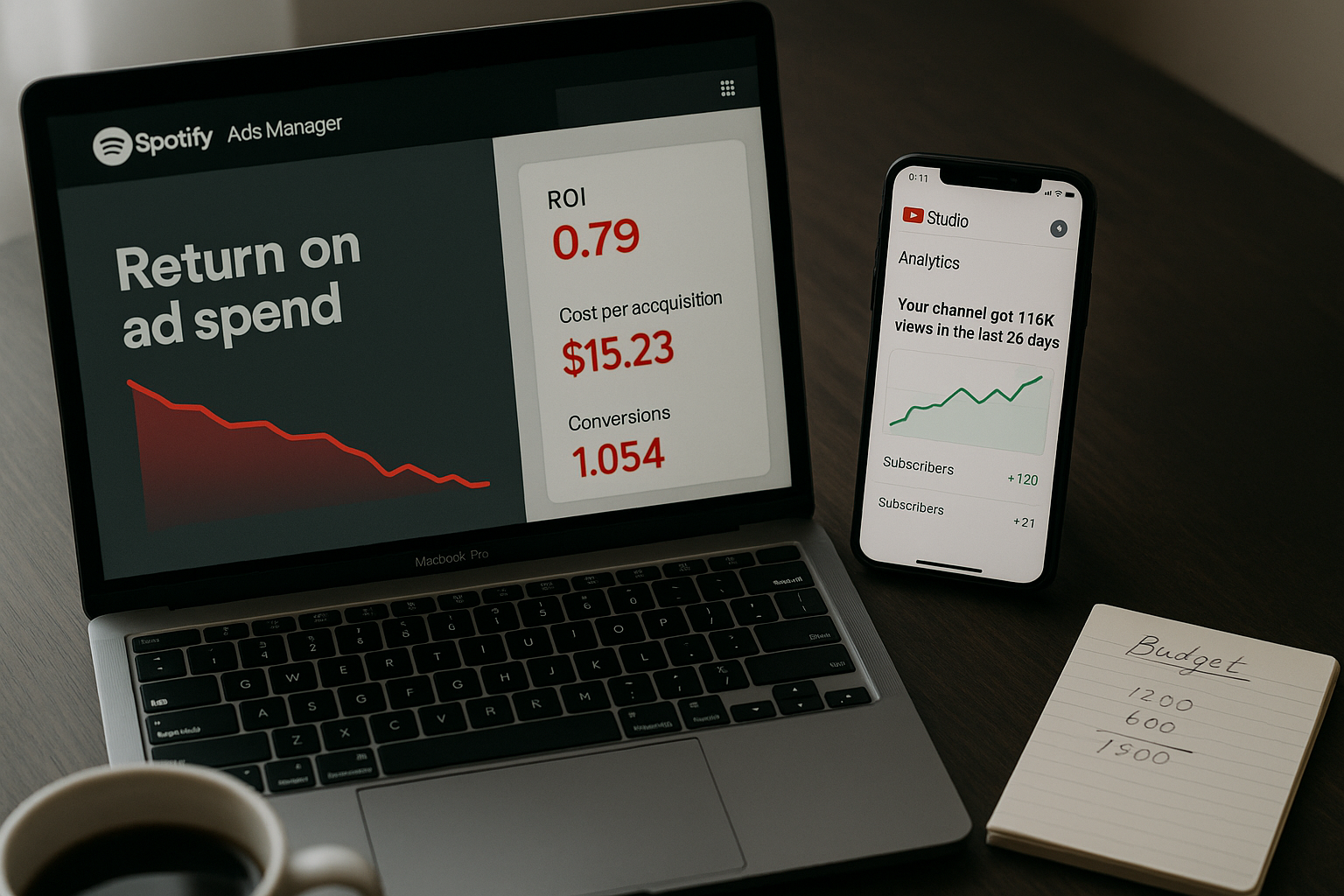
Why your feature credits are tanking
Learn how primary artist tag limits and feature credit errors damage your DSP profile, confuse algorithms, and hide your own releases. Audit and fix them now.

Key Takeaways
If your feature credits are tagged wrong, DSPs will bury your own releases on your own profile.
Primary artist slots are limited, and most artists don't know how many they've already used.
Mismanaged metadata trains algorithms to treat you like a guest, not the main act.
Auditing your catalogue for tagging errors is the fastest way to reclaim your streaming real estate.
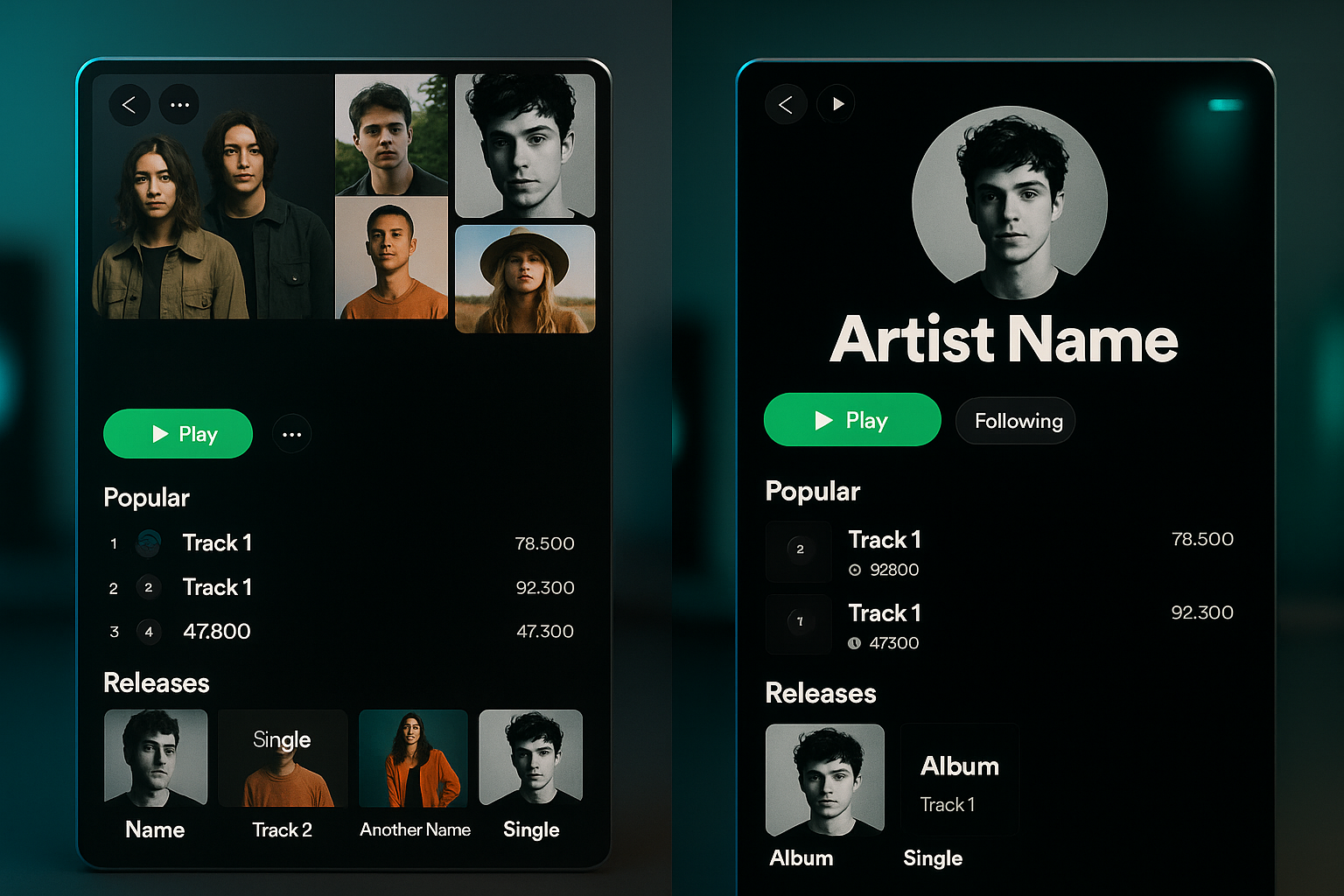
Most artists don't realise their own releases are being buried by incorrect primary artist tags. When you're listed as a feature on your own track, or when a collaborator is tagged as primary instead of featured, DSP algorithms treat your catalogue like it belongs to someone else. This isn't a minor metadata issue. It's why your profile looks incomplete and your release history doesn't connect.
Your catalogue might be damaging your own profile. Not the music itself. The metadata behind it.
Most independent artists do not realize that DSPs like Spotify and Apple Music enforce primary artist tag limits. When you exceed these limits or incorrectly assign feature credits, you are not just creating a messy profile. You are actively confusing the algorithm that decides whether your music gets surfaced to listeners.
This article will show you how to audit your catalogue, correct critical metadata errors, and stop diluting your artist profile before your next release.
What are primary artist tag limits?
Every DSP has backend rules for how many primary artists can be tagged on a single track. Spotify, for example, allows up to three primary artist tags before additional names get pushed into secondary or feature credit territory.
When you submit a track through your distributor with four artist names in the primary artist field, the DSP does not reject it. It accepts the upload and then quietly rearranges the metadata on its end. Sometimes it drops an artist entirely. Sometimes it converts a primary artist into a feature credit without telling you.
The result: Your catalogue becomes inconsistent. Some tracks show all collaborators as primary artists. Others do not. The algorithm interprets this inconsistency as noise, not signal.
How feature credit mismanagement confuses DSPs
Feature credits exist to give proper attribution without fragmenting an artist's core profile. But many independent artists use them incorrectly.
Here is what happens when you tag someone as a featured artist who should have been listed as a primary collaborator:
- The track does not appear in the featured artist's main discography. It only shows up in the "appears on" section, which gets far less visibility.
- The DSP's algorithm does not treat the track as part of that artist's core catalogue, which means it gets excluded from their artist radio, related artist recommendations, and catalogue sequencing logic.
- If the featured artist has a larger following than you, you just lost the algorithmic benefit of that association.
The reverse is also true. If you list someone as a primary artist when they should be a feature, you split the track's identity across two profiles. The DSP now has to decide which artist's catalogue this track truly belongs to, and it often makes that decision in ways that hurt your visibility.
How incorrect tagging dilutes your artist profile
Your artist profile on Spotify or Apple Music is not just a static page. It is a data structure that the platform uses to understand your musical identity, predict listener behavior, and decide where to place your music.
When your metadata is inconsistent, the DSP cannot build a clean identity model. Here is what breaks:
- Release radar and discover weekly placements drop. The algorithm cannot confidently predict which listeners will engage with your music if your past releases are scattered across multiple artist profiles or incorrectly attributed.
- Your catalogue does not sequence properly. DSPs use release history and collaboration patterns to build automatic playlists like "This Is Artist Name". If half your catalogue is tagged incorrectly, those playlists either do not generate or they miss your best work.
- Your own releases do not show up prominently on your profile. If you have too many primary artist tags on collaborative tracks, the DSP may decide those tracks belong more to your collaborators than to you. They get pushed down in your discography or removed from your top tracks entirely.
This is not a hypothetical problem. I have seen artists with 50,000 monthly listeners whose top five tracks on their profile did not include their most-streamed song because of a metadata tagging error from two years ago.
How to audit your catalogue for metadata errors
You need to manually review every release in your catalogue. This takes time, but it is the only way to catch errors that your distributor will not flag.
Here is the process:
- Pull a complete release list from your distributor. Most distributors allow you to export a CSV of all your releases with metadata fields included. If yours does not, you will need to manually document every release.
- Check primary artist tags on every track. Open each release on Spotify, Apple Music, and Tidal. Look at how the artist names are displayed. If a track shows more than three primary artists, you have likely hit the tag limit and the DSP rearranged your metadata.
- Compare distributor metadata to DSP display. Go back to your distributor dashboard and check what you originally submitted. If the DSP is showing something different, that is your error flag.
- Identify feature credit inconsistencies. Look for collaborators who appear as primary artists on some tracks and featured artists on others, even though their role did not change. This inconsistency is a signal to the DSP that your catalogue is not professionally managed.
- Document every error in a spreadsheet. You will need this when you submit corrections to your distributor. Include release title, track title, current metadata, and correct metadata.
How to correct critical metadata errors
Once you have identified the errors, you need to resubmit corrected metadata through your distributor. This is not instant. Most DSPs take 48 to 72 hours to process metadata updates, and some changes require a full release takedown and reupload.
Here is how to prioritize your corrections:
- Fix your most-streamed tracks first. If a metadata error is affecting a track that drives 30% of your monthly listeners, that correction takes priority over a deep cut from three years ago.
- Standardize feature credits across your catalogue. Pick one format and stick to it. If you use "feat." in some releases and "ft." in others, the DSP treats those as different artists. Choose one abbreviation and apply it everywhere.
- Remove unnecessary primary artist tags. If you have a track with four primary artists and one of them contributed a single verse, move that person to a feature credit. The DSP will treat the track more cleanly, and the featured artist still gets proper attribution.
- Resubmit through your distributor, not directly to DSPs. Some artists try to contact Spotify or Apple Music support directly to fix metadata. This rarely works. The DSP will tell you to go through your distributor because that is where the canonical metadata lives.
What to do before your next release
Metadata hygiene is not a one-time fix. It is a permanent part of your release process. Before you submit your next single, EP, or album, run through this checklist:
- Confirm that every primary artist tag is necessary and accurate.
- Verify that feature credits are formatted consistently with the rest of your catalogue.
- Check that your distributor is submitting metadata in a format that matches DSP requirements.
- If you are collaborating with another artist for the first time, agree on who is listed as primary and who is listed as featured before the release goes live. Do not make that decision arbitrarily.
Your catalogue is not just your music. It is the data structure that DSPs use to decide whether your music gets heard. If that structure is broken, no amount of playlist pitching or social media promotion will fix it.
Audit your catalogue now. Correct the errors before they cost you another placement.
Ready to streamline your workflow?
Stop piecing together spreadsheets and scattered notes. Join the waitlist for Music Artist Manager and get your entire rollout in one place.
Written By
Gavin Alexander
Senior Marketeer
As the founder of Music Artist Manager, Gavin has spent years at the intersection of music and technology. Seeing firsthand how chaotic release rollouts and split sheets can be, he designed a platform that brings major-label infrastructure to independent artists and their teams. He writes extensively about industry trends, artist leverage, and workflow optimisation.